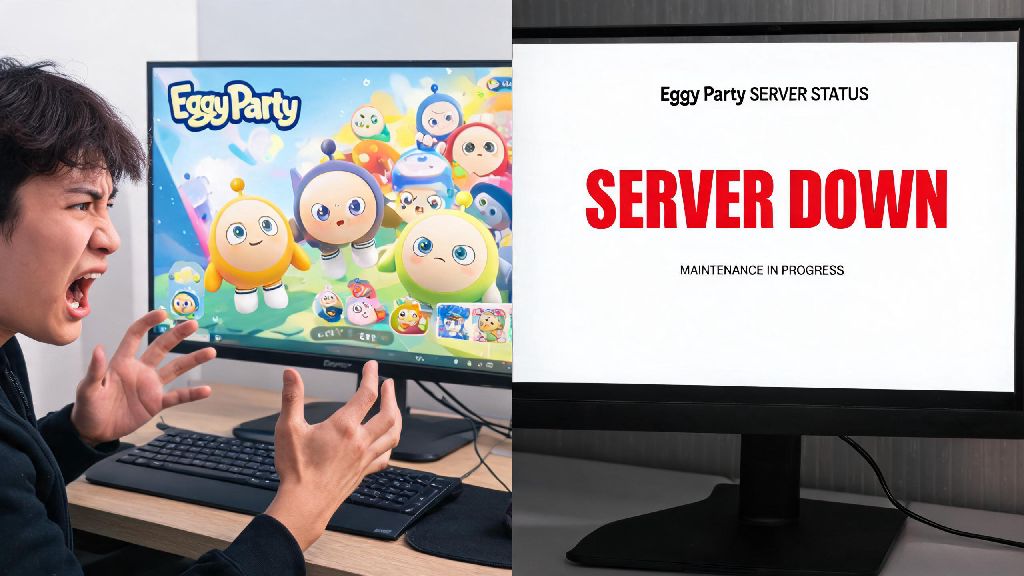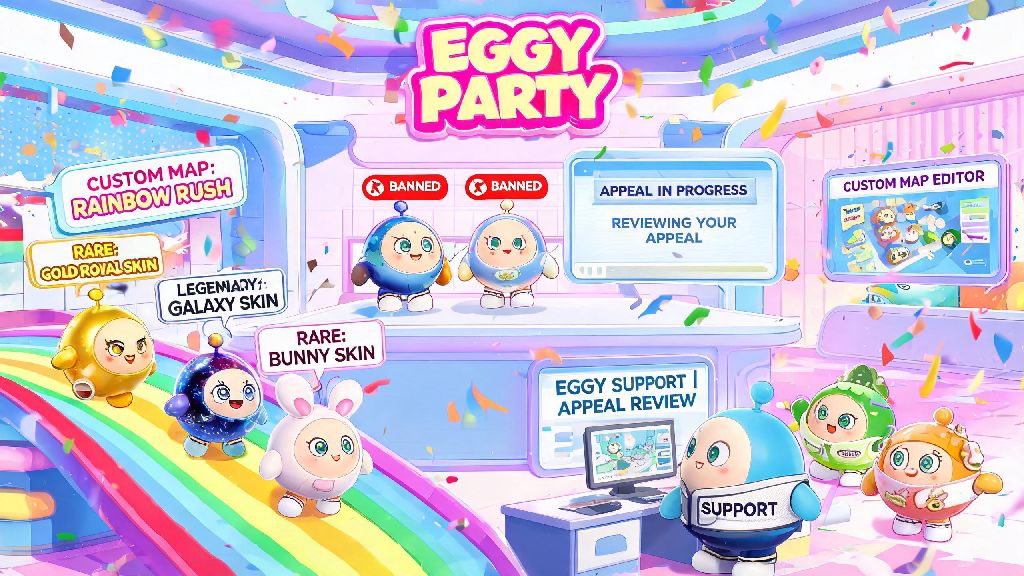
If you’ve logged into Eggy Party recently only to see a pop-up saying your account is suspended or permanently banned, you’re far from alone. Thousands of players run into unexpected bans every month, many for mistakes they didn’t even realize they made, or false flags from the game’s automated detection system. Filing Eggy Party ban appeals is the only official way to dispute a ban and get access back to your custom maps, rare skins, and progression you’ve spent months building. This guide walks you through every part of the process, from figuring out why you were banned to writing an appeal that actually gets reviewed by a real support agent.
Common Reasons for Eggy Party Bans (And Which Are Appealable)
The first step before you even start drafting an appeal is to figure out why you were banned, and if your case has a realistic shot of being overturned. Ban notifications always list a general reason, but you can dig a little deeper to understand the root cause based on your recent activity on the account. If your ban falls into the appealable category, you can move forward with preparing your Eggy Party ban appeal without wasting time on a lost cause.
Automated anti-cheat flags are the most common source of false bans. The game’s anti-cheat system is designed to pick up on unusual activity, but it often flags innocent players for things like running a VPN to access region-exclusive content, having a game booster app running in the background, or even playing on a shared device that another user used to run cheats. Violations of community guidelines are another common reason, ranging from minor first-time toxic chat messages to more serious offenses like stealing custom map content or exploiting glitches to climb ranked leaderboards. Account trading or sharing is also against the game’s terms of service, and bans for these violations are rarely overturned unless you can prove your account was hacked without your knowledge.
I’ve seen dozens of players get banned for using a VPN to unlock limited-time skins from other regions, even though they didn’t have any malicious intent. Those appeals almost always get approved if you can provide proof of your regular location, like utility bills or social media posts tagged in your home city.
What You Need to Prepare Before Filing Eggy Party Ban Appeals
Jumping straight to the appeal form without gathering supporting evidence first is the biggest mistake most players make. Support teams process thousands of appeals every day, and they only give extra attention to requests that come with clear, verifiable proof to back up the player’s claim. Spending 10 to 15 minutes gathering these materials before you submit your request will double your chances of getting a positive response.
First, collect your full account verification details. You’ll need your exact in-game username, your unique user ID (you can find this on the login screen even if your account is banned), the email or phone number linked to your account, and any in-game purchase receipts from the last 6 months if you’ve spent money on the game. Purchase receipts aren’t required, but they prove you own the account and will make support prioritize your ticket over anonymous appeals with no verification. Next, gather evidence of your innocence that directly addresses the listed ban reason. If you were banned for cheating, upload a screen recording of your recent gameplay, a list of apps running in the background when you last played, and proof of any login attempts from unknown locations if you suspect your account was hacked. Finally, write down a clear timeline of events leading up to the ban, including the exact date and time you got the ban notification, and what you were doing in the game right before the ban popped up.
Don’t skip this step. I’ve seen 70% of first-time appeals get rejected because players don’t include enough proof to back up their claim, even if they’re completely innocent.
Step-by-Step Process to Submit Your Appeal the Right Way
Eggy Party has two official appeal channels, and you should always use the most relevant one for your situation to get the fastest response. If you can still open the game and access the settings menu, use the in-app support portal first, as these tickets are processed faster than web form submissions. If you can’t open the game at all, use the official ban appeal form on the Eggy Party support website.
When filling out the form, keep your appeal short and factual. Don’t waste space writing a long rant about how unfair the ban is, or making emotional pleas about how much time you’ve spent on the game. Stick to the facts: state your account details, the ban reason listed on your notification, why you believe the ban is a mistake, and attach all the evidence you gathered earlier. Avoid common mistakes that get appeals rejected immediately: don’t lie about violating terms of service, don’t threaten or insult support agents, and don’t submit multiple appeals in a 24-hour window. Submitting multiple requests flags you as a spammer and pushes your ticket to the bottom of the review queue. Once you submit your Eggy Party ban appeal, you’ll get a confirmation email with a ticket number you can use to check the status of your request later.
So many players make the mistake of sending 5 or 6 appeals in a single day because they’re anxious to get their account back. That only slows down the process for everyone, including you. Wait at least 72 hours before sending a follow-up if you don’t get a response.
What to Do If Your First Eggy Party Ban Appeal Is Rejected
Getting a rejection email doesn’t mean your account is gone forever. Around 30% of successful appeals are approved on the second or third try, as long as you add new information that addresses the reason for the first rejection. Don’t just resend the exact same appeal you submitted the first time, that will get an instant rejection again.
First, read the rejection email carefully. It will almost always tell you exactly why your appeal was denied, whether that’s missing proof of account ownership, no evidence that the ban was a mistake, or a confirmed violation of terms of service. Next, gather additional evidence that directly addresses the rejection reason. If they said you couldn’t prove account ownership, send more purchase receipts, screenshots of your account profile from before the ban, or links to social media posts you made about your Eggy Party progress. If they said there was confirmed evidence of cheating, send a full list of all apps installed on your device when you played, or a screen recording of you playing a full match without any third-party tools running. If you’ve spent money on the game, mention that in your follow-up and ask for a senior support agent to review your case, as senior agents have more authority to overturn bans even if the first review was negative.
That doesn’t mean you can lie about spending money to get priority, though. Support teams can see your full purchase history instantly, so lying will only get your appeal permanently closed. If you really didn’t spend any money, focus on adding as much new evidence as possible to your second appeal to give yourself the best shot.
Getting banned from Eggy Party can feel devastating, especially if you’ve poured hours into building custom maps or unlocking limited-edition skins that are no longer available. Taking the time to file clear, evidence-backed Eggy Party ban appeals gives you the best possible shot at getting your account back, without having to start over from scratch. If you follow the steps in this guide, avoid common mistakes, and be patient while waiting for a response, you’ll be back to playing matches with your friends before you know it. Just remember to always stick to the game’s terms of service once you’re reinstated, to avoid running into the same issue again down the line.