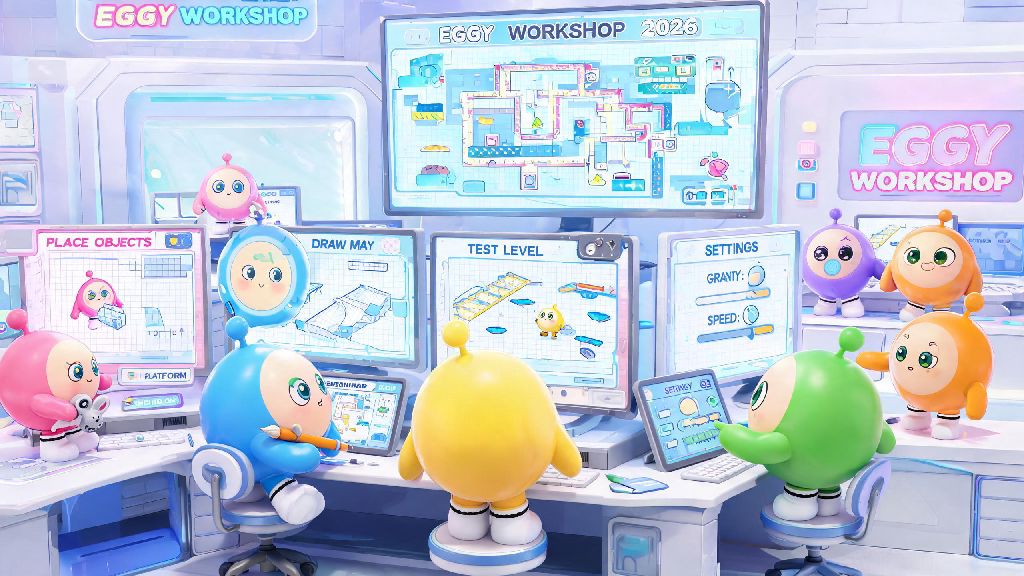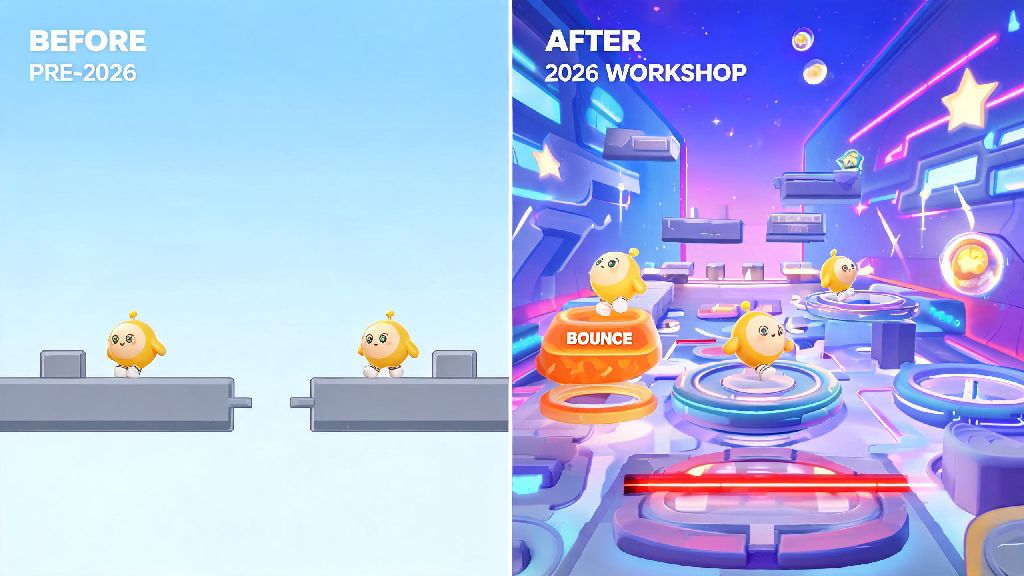
If you’ve spent hours playing 2026 Eggy Party seasonal maps and thought “I could make something way more fun than this,” you’re not alone. The first skill every new Eggy Workshop creator needs to master is how to edit components in Eggy Party, from simple platform blocks to interactive traps that keep players on their toes. Most new creators get overwhelmed by the 700+ available components at first, but you don’t need to learn every single one overnight to make a viral custom map. This guide breaks down the process with real, tested tips I’ve used to make 3 top 100 ranked 2026 Eggy Party maps in the last 3 months.
How to Edit Basic Components in Eggy Party for First-Time Creators
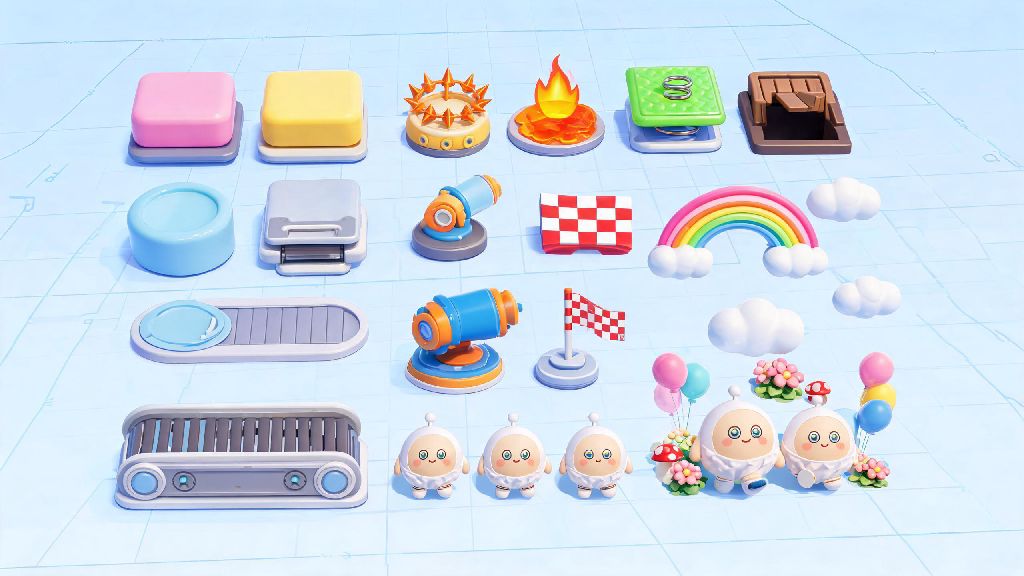
When you first open the 2026 Eggy Workshop editor, you’ll see the component library sorted into four easy categories on the left sidebar: structural, interactive, decorative, and functional. Start with structural components first, since these form the base of any map. To edit a basic component, just drag it from the library onto your grid, then use the control dots around it to resize, rotate, or reposition it.
Grid snap setting is your best friend here, even if you think you want a more “organic” uneven layout. I used to turn grid snap off when I first started, and my first map got 12 1-star reviews complaining about lopsided platforms that players fell off for no reason. The 2026 editor also added a one-click duplicate button for components, so you don’t have to place every identical platform block individually if you’re making a long obstacle course.
If you’re editing multiple of the same component, you can hold shift to select all of them at once and make bulk edits to their size or height. That cuts down build time by at least 30% for most simple maps, which means you can spend more time adding fun, unique details instead of repeating the same task over and over.
Advanced Component Edit Tricks for Interactive 2026 Eggy Party Maps
Once you get the hang of basic structural edits, you can start working with interactive components to make your map feel dynamic and challenging. If you’re new to editing components for Eggy Party, you might not realize how much small tweaks to these settings can change the feel of your map. A moving platform set to 0.5x speed feels casual and accessible, while the same platform set to 3x speed becomes a high-stakes obstacle for pro players.
Trigger linking is the most underused feature for new creators, and it’s the secret to making maps that feel polished and intentional. You can link almost any interactive component to another with one click in the 2026 editor: a pressure plate to a falling spike trap, a coin collection to a hidden door opening, or a finish line to a confetti cannon that goes off when players win.
These are the four most useful editable interactive components for 2026 maps, in my experience:
Don’t forget to use the test mode toggle to test every edited component in real time before you publish. I usually test every interactive component at least 5 times before sharing a map, because even a 0.2x speed difference on a moving platform can make a level impossible to beat for most players.
Common Mistakes to Avoid When Editing Eggy Party Components
One of the most common errors new creators make when editing Eggy Party components is overloading their map with too many high-poly decorative components, which causes lag for mobile players. 70% of Eggy Party users play on mobile in 2026, so you need to make sure your map runs smoothly for that audience. The 2026 editor has a built-in performance meter on the top right, so keep it above 80% to avoid lag issues.
Another easy mistake to miss is not locking components once you’re done editing them. It’s super easy to accidentally drag a platform out of place when you’re working on a nearby trap, so lock finished components by clicking the padlock icon next to their name in the layer menu. I learned this the hard way when I accidentally moved the finish line of my first race map 2 meters to the left, and half the players couldn’t finish their runs.
Don’t ignore collision settings for decorative components either. A lot of new creators place trees, signs, or other decorations that players can walk straight through, which breaks immersion for most users. You can toggle collision on for 90% of decorative components in the edit menu with one click, so it only takes a few extra seconds to fix this.
If you’re working on a large map, use the layer grouping feature to keep your components organized. If you have 20 components that make up a single obstacle, group them so you can move or resize the whole thing at once instead of editing each piece individually. That saves hours of work when you’re adjusting the layout of your map halfway through building.
How to Use 2026 Eggy Party's New Component Edit Features
The 2026 Eggy Party update added a handful of new component edit features that make building custom maps way easier than it used to be, even for total beginners. The first one to try is the AI component suggestion tool: if you place a starting line and a finish line, the tool will suggest relevant platform and obstacle components to fill the space between them, which you can edit to fit your style. I used this for my last winter themed map, and it cut my build time in half, I just had to adjust the positions and add a few custom traps.
The new component import/export feature is another game changer for regular creators. You can save a group of edited components as a custom preset, then import it into other maps you make. If you make a lot of obstacle courses, you can save your favorite trap setups and reuse them instead of rebuilding every time from scratch. I have 12 saved presets right now, from easy parkour sections to hard mode trap mazes, and I use them in almost every map I make.
Collaborative component editing is another new 2026 feature that’s perfect if you like making maps with friends. You can both edit components at the same time, and the editor will sync changes in real time, so you don’t have to send versions of the map back and forth to each other. Version history rollback is another new addition that lets you go back to previous versions of your component edits if you make a mistake you can’t undo, so you don’t lose hours of work because you accidentally deleted a whole section of your map.
You don’t need to be a professional game designer to make fun, popular Eggy Party maps, and learning how to edit components in Eggy Party is the first step to bringing your weird, creative ideas to life. Start small with a simple obstacle course first, test every edit you make, and don’t be afraid to experiment with weird component combinations. Some of the most popular 2026 Eggy Party maps are the ones that use components in totally unexpected ways, so don’t limit yourself to the default settings. If you get stuck, you can find hundreds of community made tutorials in the official Eggy Workshop Discord server, and most creators are happy to answer questions for new builders.