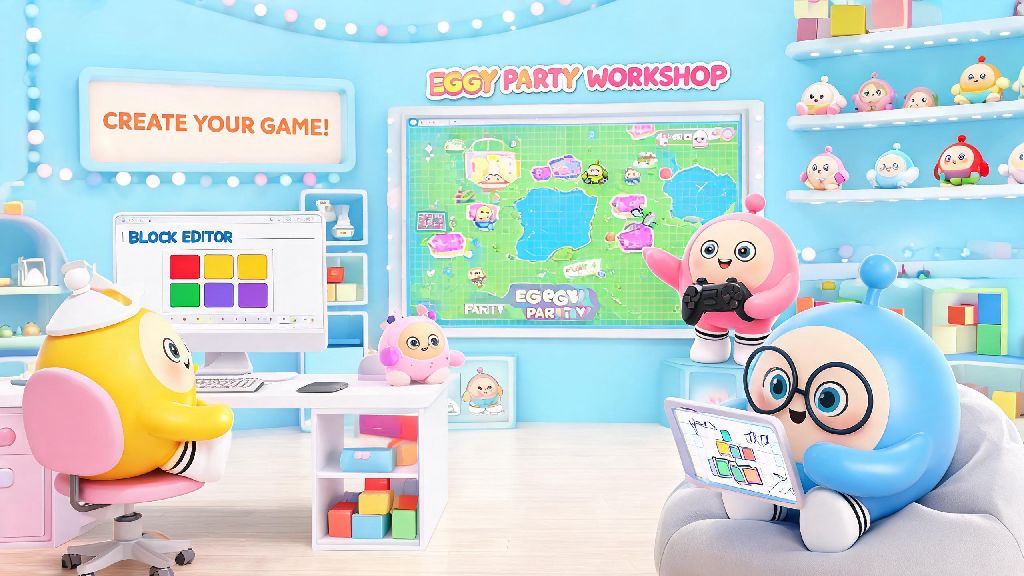
If you’ve ever played a wild custom Eggy Party map—think obstacle courses made of giant candy, tag arenas where everyone turns invisible, or puzzle maps that make you scratch your head for 20 minutes—you’ve probably wondered how people make those. The good news is you don’t need a background in game design or coding to make your own, and Eggy Party workshop basics are far more accessible than most new creators expect. I’ve been making custom maps for 8 months now, and my first ever build (a messy obstacle course covered in rubber duck decorations) got over 12,000 plays in its first week, even with all its little flaws. You don’t have to make something perfect to have fun creating, or to make something other people will love playing.
Core Tools You’ll Master When Learning Eggy Party Workshop Basics
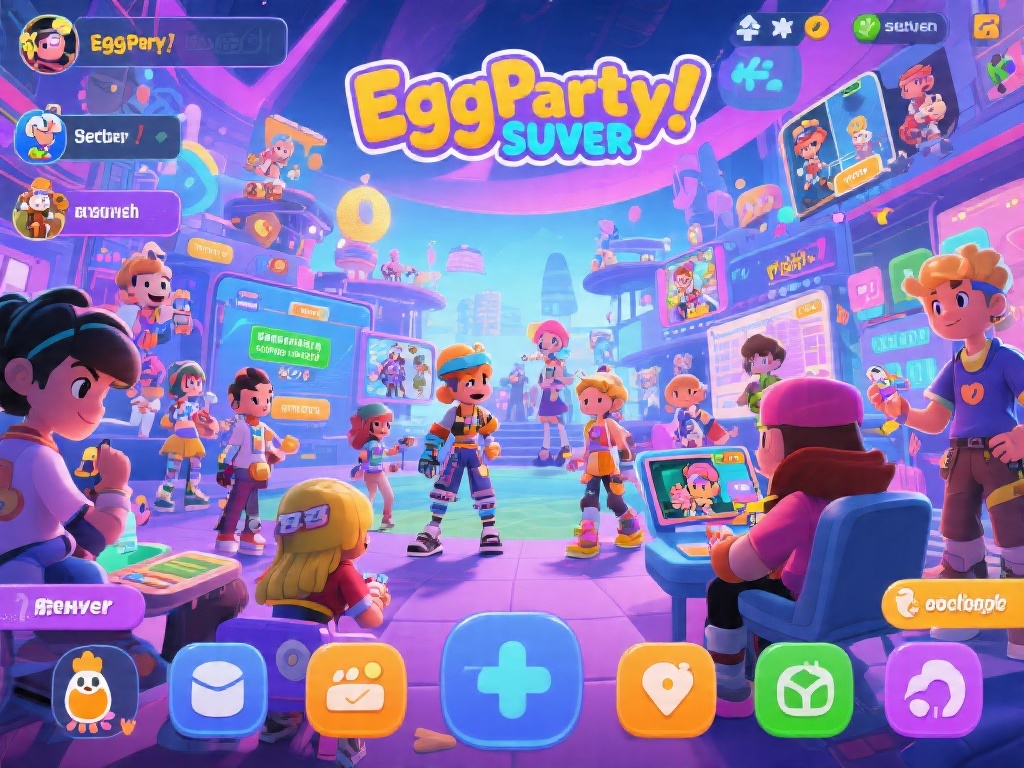
The workshop interface is designed to be intuitive for total beginners, so you won’t be overwhelmed with hundreds of complex options right off the bat. You don’t need to learn every tool on day one; most creators stick to 4 or 5 core tools for their first 3 to 5 maps, before experimenting with more advanced features. The terrain editor lets you shape the base of your map, from flat platforms to rolling hills, floating islands, or deep pits that knock players out if they fall in. The pre-made object library has thousands of ready-to-use assets, from bounce pads and spike traps to food decorations and character skins, so you don’t have to build every single thing from scratch.
The trigger system is way simpler than it looks; it lets you set up basic rules, like “if a player touches this button, open that door” or “if a player collects 3 eggs, give them a speed boost”. You also get a built-in test mode that lets you play through your map as you build, so you can fix issues right away instead of waiting until you’re finished. When you’re first getting the hang of Eggy Party workshop basics, stick to using pre-made objects before you try custom designing your own, it’ll save you a ton of time and frustration.
Step-by-Step Process to Build Your First Simple Workshop Map
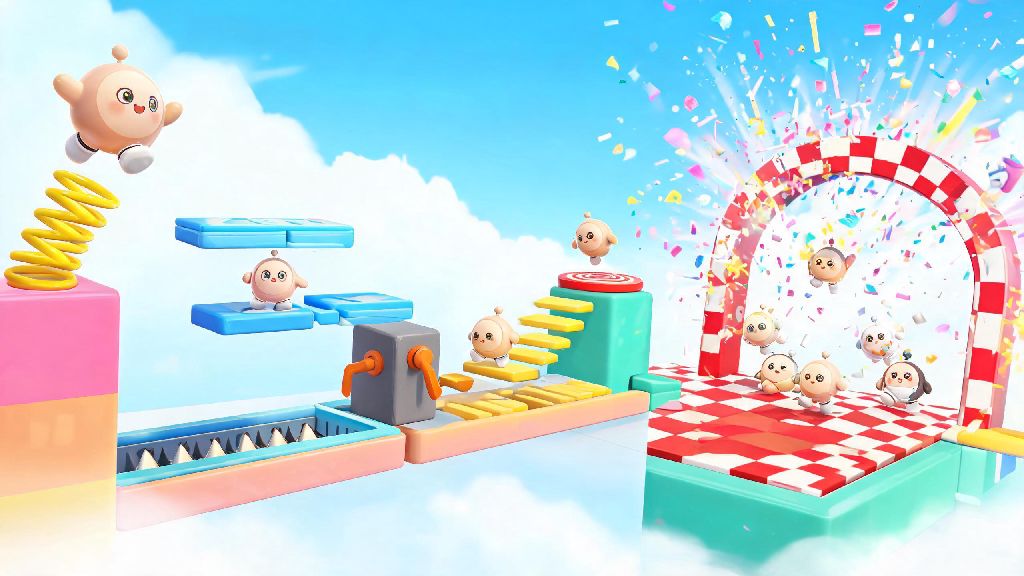
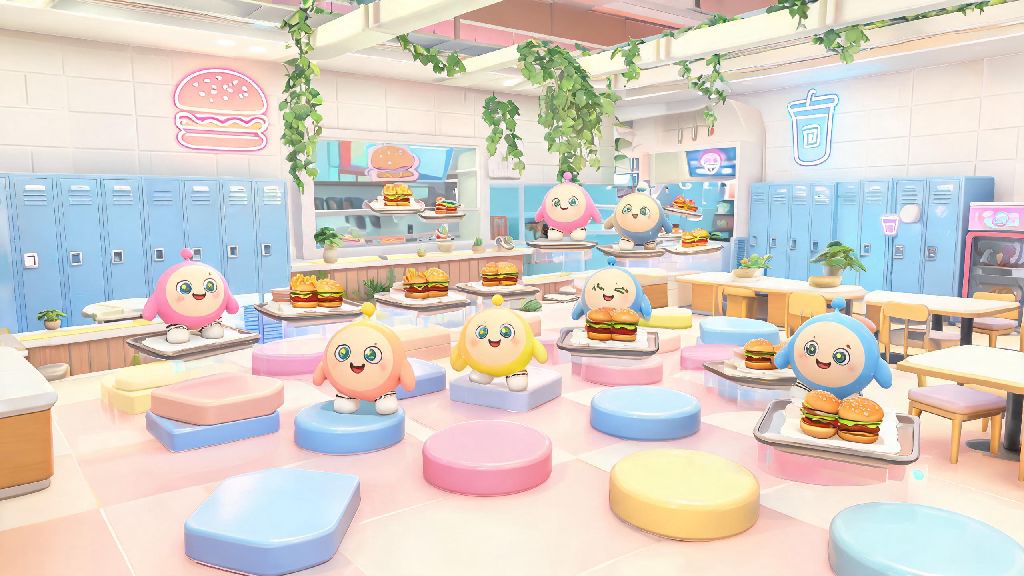
Your first map doesn’t need to be a massive, 30-minute adventure to be fun. Most new creators start with a short, simple obstacle course or small tag arena, since those are easy to build and fun for groups of friends to play. Start by picking one simple core idea, like “obstacle course with slippery ice platforms” or “tag map set in a giant pizza restaurant”, instead of trying to cram 10 different ideas into one build. Next, lay out your basic terrain first, so you have a clear path for players to follow, before you start adding decorations or interactive objects. Place your interactive elements in order: checkpoints, obstacles, power ups, and finally a finish line at the end. Once you have Eggy Party workshop basics down, you can experiment with more complex mechanics like moving platforms and custom power ups, but save that for your second or third map.
There are a few super common mistakes new creators make on their first build that can ruin the player experience, so keep these in mind as you work:
Test every section of your map at least 3 times before you hit publish, even if you think it’s perfect. I once forgot to add a finish line to my first rubber duck map, and I got 22 comments in the first hour from players saying they’d run the whole course and couldn’t win. It was an embarrassing mistake, but it’s one I’ve never made again, and it’s a great reminder that small oversights are easy to miss when you’re focused on building.
How to Optimize Your Workshop Map for More Plays
Building a fun map is only half the battle; if no one can find it, no one will play it. There are a few simple tweaks you can make to your listing to help more people find and enjoy your work, and they don’t take any extra design skills. First, pick a clear, specific title instead of something vague. “Slippery Ice Obstacle Course for 4 Players” will get way more clicks than “My First Map” because people know exactly what they’re getting before they click. Add a difficulty rating in your map description so players know what to expect, like “easy, great for kids and casual players” or “hard parkour for advanced eggies only”. That cuts down on negative comments from players who picked a map that’s too hard or too easy for their skill level.
Next, upload a short 10 to 15 second preview video instead of a static screenshot. Show the most fun part of your map, like a giant slide, a silly trap, or the end prize, so people can see how fun it is before they load in. Add 3 to 5 accurate tags when you publish, like “obstacle course”, “family friendly”, “4 player”, so the workshop algorithm can show your map to people who like that type of content. You can also edit your map after it’s published, so if people leave comments saying a certain section is too hard, or a part is lagging, you can fix it and reupload the updated version any time.
Pro Tips to Level Up Your Workshop Skills Fast
You don’t have to spend hours watching tutorials to get better at building workshop maps. Some of the best practice you can get is just playing other popular custom maps, and taking notes on what works and what doesn’t. If you play a map with a really fun mechanic, like a moving platform that switches directions every 5 seconds, try recreating that mechanic in a test map to see how it works. Join Eggy Party creator communities to get feedback on your work, whether that’s on Discord, Reddit, or the official in-game creator forum. Other creators will point out issues you didn’t notice, and share little tricks you won’t find in the official tutorial, like how to make objects float without attaching them to a platform, or how to make custom sound effects for your traps.
Don’t get discouraged if your first few maps only get a few dozen plays. Every successful creator starts there, and each map you make will be better than the last. You don’t have to make super complex, hyper-detailed maps to be successful either. Some of the most played workshop maps of all time are super simple, like a tag map where everyone is disguised as a rubber chicken, or a race map where you slide down a giant hill of candy. Those maps get millions of plays because they’re easy to pick up, fun to play with friends, and don’t require a lot of focus. The most important thing is to make something you think is fun, because if you enjoy playing it, other people will too.
Eggy Party workshop basics are the perfect starting point for anyone who’s ever wanted to try making their own game content, no prior experience required. You can mess around for 20 minutes after reading this and have a small, playable map ready to share with your friends, and that’s a really cool feeling. Even if your first build is janky, full of mistakes, and only gets 10 plays from people you know, you’ll have learned something new, and you’ll have fun doing it. I still have my first rubber duck map up on my profile, even though I know it’s full of flaws, and it still makes me smile when I see a new comment from someone saying they had fun playing it. Go open the workshop, pick a silly idea, and start building—you might be surprised what you can make.