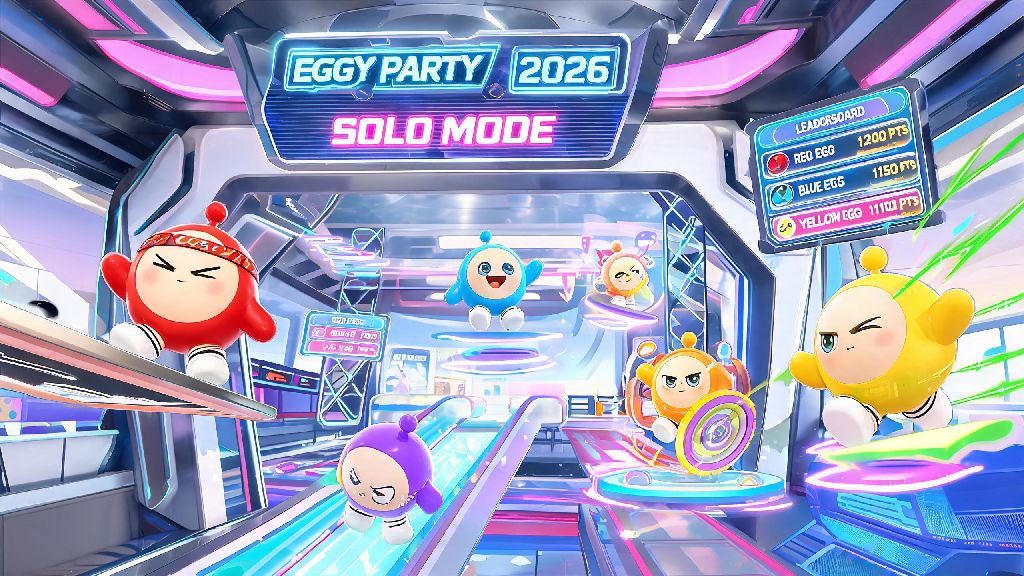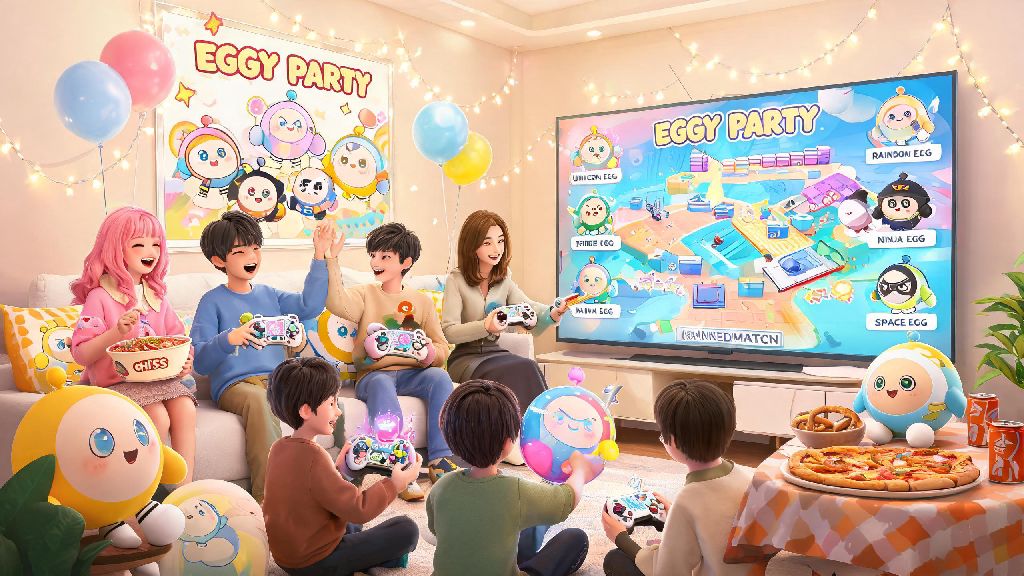
If you’ve ever logged into Eggy Party and immediately jumped into a random match alone, you’re missing out on half the fun. The vibrant, silly party game is designed to be enjoyed with other people, and Eggy Party social features are built to make connecting with other players as smooth and enjoyable as possible. I’ve spent hundreds of hours playing with both real-life friends and people I met in-game, and I can honestly say the social side of the game is what keeps me coming back week after week, even after I’ve unlocked all the current season skins. Whether you want to team up for ranked matches, mess around in weird custom maps, or just show off your latest egg skin, there’s a social tool built for exactly what you need.
Core Eggy Party Social Features You Should Be Using First
New players often overlook the basic social tools in their rush to start playing matches, but learning these first will make every part of the game more enjoyable. You don’t have to use all of them right away, but even trying one or two will make your play sessions feel less lonely. The most useful basic features include:
One thing I wish I knew when I first started playing is that you don’t have to be friends with someone to invite them to your party. If you’re in a public lobby and get along with a random player, you can send them a party invite directly from the post-match screen, no friend request required. That’s perfect if you just want to play a few rounds together without adding them to your permanent friend list. You can also link your social media accounts (like Discord or TikTok) to your Eggy Party profile if you want to let people find you off-platform, but that’s completely optional.
How to Use Social Features to Get More Out of Eggy Workshop
Eggy Workshop, the game’s custom map creation hub, is way more fun when you use the built-in social tools to share and discover new maps. Most players only use the workshop to browse popular maps, but the social features let you find hidden gems that never make it to the front page. Map share codes are the easiest way to send specific maps to your friends, and you can paste them directly in party chat to load the map immediately for everyone in your lobby.
You can also follow your favorite map creators to get a notification every time they release a new map. I follow around 15 creators who make super creative puzzle maps, and I get to play their new releases hours before they hit the popular page, just because I followed them through the workshop social tools. If you make your own maps, replying to comments on your uploads is a great way to build a community of people who look forward to your work, too. I once spent three weeks making a horror-themed obstacle course, and I shared it first with my in-game friend group before posting it publicly. Their feedback helped me fix three broken jumps I didn’t notice during testing, and the map ended up getting over 100,000 plays in its first week. That wouldn’t have happened without the built-in sharing tools.
Clans and Group Events: Take Social Play to the Next Level
If you want to build longer-term connections with other players, clans are the way to go. Clans are player-run groups that can have up to 50 members, and you get access to exclusive challenges and rewards when you play with other clan members. Clan exclusive rewards include special skins, name tags, custom lobby backgrounds, and even free in-game currency that you can’t earn any other way. Most clans also host weekly events, like custom map tournaments or ranked climb sessions, that are way more fun than random public matches.
Most clans have their own rules for activity, so make sure you read the clan description before you send an application. Some clans require you to play at least 3 matches a week with other members, while others are super casual and just exist for people to share map codes and hang out. I’m in a casual clan with around 12 other people who all love silly custom maps, and we host a weekly game night every Friday where we play 10 random weird maps and laugh at how bad we all are at the hardest ones. Don’t join the first big clan you see. Smaller clans (10-20 active members) usually have a tighter community, and you’re more likely to get to play with the same people regularly, instead of being just a random name in a long list.
Common Mistakes to Avoid With Eggy Party Social Tools
While the social features are mostly designed to be user-friendly, there are a few common mistakes new players make that can ruin their experience. The first one is accepting random friend requests from accounts that send you links to “free redeem codes” or “free skins” in their first message. These are almost always scams, and clicking the links can put your account at risk of being hacked. Privacy setting adjustments are also important for new players: location sharing is turned on by default for new accounts, so make sure you turn that off if you don’t want random players to know where you live.
Another common mistake I see new players make is spamming their custom map codes in public chat rooms. Most players find that annoying, and you might get reported for spam if you do it too often. A better way to get people to play your map is to share it in relevant clan chats or with your friend group first, so people who are actually interested in your style of map will check it out. You should also know that you can block and report toxic players in one click from the post-match screen, and the moderation team usually reviews reports within 24 hours. If you have a bad experience with a player, blocking them ensures you’ll never get matched with them again, so don’t hesitate to use that tool if you need it.
At the end of the day, Eggy Party is a game that’s meant to be silly, chaotic, and shared with other people. Taking a few minutes to learn how to use Eggy Party social features doesn’t just make the game more fun – it can also help you find a group of people you look forward to playing with, even if you’re all just logging on to mess around for 30 minutes after work or school. You don’t have to use every single social tool available, either. If you only want to play with your real-life friends, you can stick to private lobbies and ignore clans entirely. Or if you love making custom maps, you can focus on the workshop sharing features and build a following of people who love your creations. Either way, you’ll get way more out of the game than you ever would playing solo.