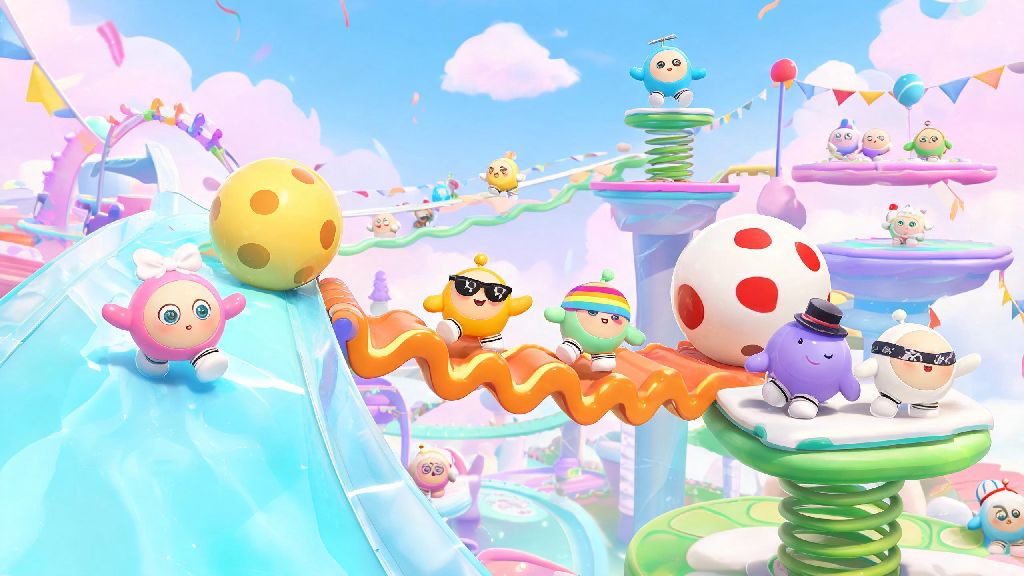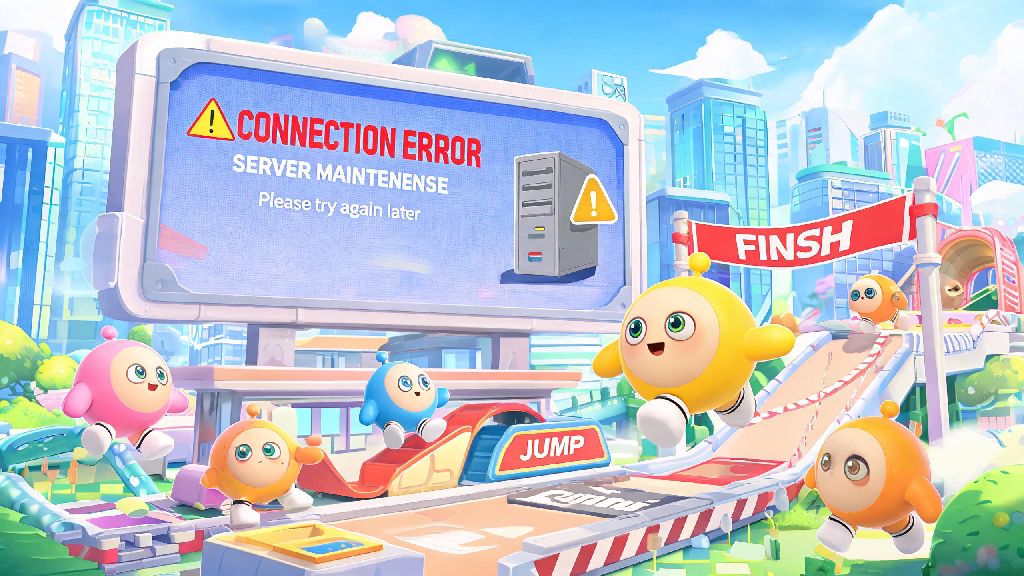
You’re mid-parkour run, one jump away from taking first place in a ranked match, and suddenly your screen freezes before showing a vague connection error. If you’ve played Eggy Party for more than a few weeks, you’ve almost certainly run into this exact scenario, and 9 times out of 10, the cause is Eggy Party server maintenance. It’s easy to write off maintenance as a frustrating, unnecessary interruption, but it’s a critical part of keeping the game running smoothly, fixing game-breaking bugs, and rolling out fun new content for all players. This guide will walk you through everything you need to know to plan around downtime, avoid lost progress, and fix common issues that pop up after updates wrap up.
What Happens During Eggy Party Server Maintenance?
When servers go offline for maintenance, the dev team isn’t just twiddling their thumbs — they’re working through a long list of updates and fixes to make your gameplay better. First, they deploy new content, from seasonal event modes and limited-edition skins to new default maps and quality-of-life changes you’ve been requesting on social media. Second, they patch critical bugs, like the collision glitches that let players skip entire sections of parkour maps, or the exploit that let users duplicate rare cosmetics. Third, they run upgrades on server hardware to handle spikes in concurrent players, especially after big content drops that draw lapsed players back to the game.
Scheduled maintenance usually lasts between 2 and 4 hours, but can run longer if devs run into unexpected issues during the update process. Most scheduled windows are scheduled for low-traffic hours, usually early morning in the region your server is based in, to impact the smallest number of players possible. But emergency maintenance can happen with little to no warning if there’s a critical security flaw or a bug that’s ruining gameplay for thousands of active users. I’ve noticed emergency maintenance almost always pops up within 24 hours of a big season launch, when devs find bugs they missed during closed beta testing. It’s annoying, but it’s better than letting the bug ruin the season for everyone.
How to Check Scheduled and Real-Time Maintenance Updates
You don’t have to be caught off guard by downtime. There are a handful of reliable, official sources you can use to plan your playtime around scheduled maintenance, and confirm if unexpected connection errors are tied to server work or just your own internet. These are the only sources I trust for accurate updates:
Don’t trust random user posts in Discord servers or unofficial Reddit threads claiming maintenance is extended or cancelled. I’ve seen dozens of trolls spread false rumors about longer downtime just to mess with players waiting for servers to come back. Always cross-check information with official, verified accounts first. If maintenance does run longer than scheduled, devs almost always give out small rewards like free coins or temporary skin trials as an apology, so check your in-game mail as soon as servers are back online.
Common Post-Maintenance Issues and Quick Fixes
Even after the dev team announces maintenance is complete, you might run into issues logging in or accessing new content for the first few hours. Most of these issues are easy to fix on your own without waiting for a response from customer support. The most common issue is login loops, where you enter your account details and get sent right back to the login screen. If this happens, close the game completely, clear your app cache (for mobile users) or verify your game files (for PC players), then relaunch. This fixes the problem 90% of the time, as old cached game data conflicts with new files added during maintenance.
If you can’t find the new skins, event modes, or features that were supposed to drop during maintenance, double check that you’ve downloaded the latest game update from your app store. Sometimes updates don’t install automatically, especially if you have auto-updates turned off for your device. You also might notice more lag or random disconnections for the first hour or two after maintenance ends, since thousands of players are logging on at the same time to check out new content. Avoid playing ranked matches for the first 90 minutes post-maintenance if you don’t want to lose rank progress due to server-side lag.
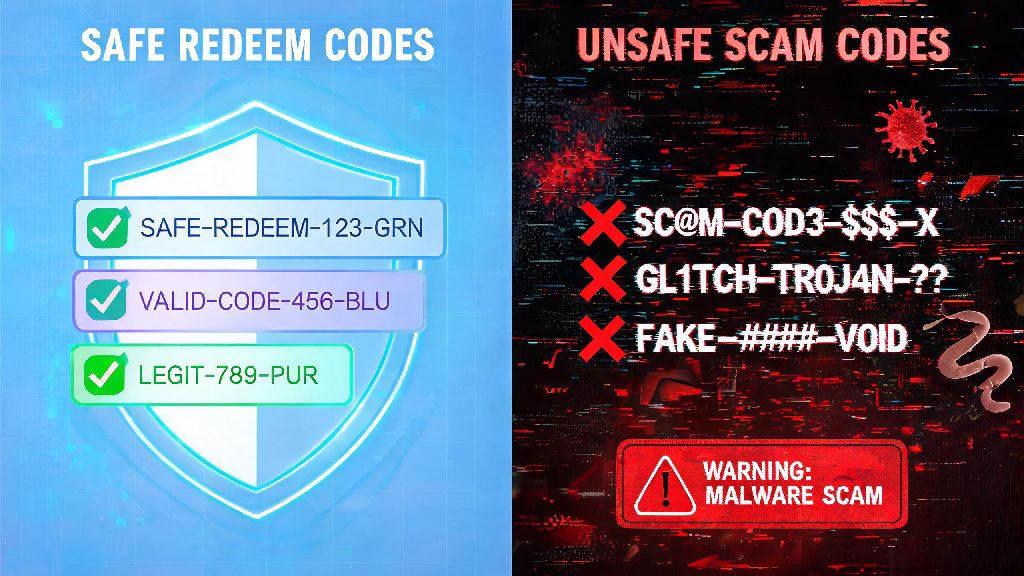
If a newly released redeem code isn’t working, wait an hour or two before contacting support. Devs sometimes activate code redemption a little while after servers go live to avoid overloading the system with too many requests at once. If the code still doesn’t work after 24 hours, send support a screenshot of the error message and the code you’re trying to use, and they’ll fix it for you.
How to Plan Your Playtime Around Scheduled Maintenance
A little bit of planning goes a long way to avoid losing progress or missing out on limited-time rewards because of downtime. First, if you’re working through a limited-time event that ends the same day maintenance is scheduled, finish all your challenges at least three hours before the maintenance window starts. I once lost out on a limited legendary bunny skin because I waited until the last 30 minutes before maintenance to finish the final event challenge, and the servers went down 10 minutes early. It’s not worth the stress, even if you think you have plenty of time.
If you’re in the middle of a ranked promotion series, don’t start a new match 30 minutes or less before scheduled maintenance. If the server goes down mid-match, you’ll almost always get a loss counted against your rank, even if you were minutes away from winning. Save ranked grinds for after maintenance is complete, or for days when no downtime is announced, to avoid unnecessary rank losses.
If you create custom maps in Eggy Workshop, back up your latest draft locally before maintenance starts. Very rarely, user-generated content save data can get corrupted during server updates, so having a local backup means you won’t lose hours of work on a map you’ve been perfecting for weeks. You can also use the downtime to plan out new map ideas, test out trick jumps offline, or catch up on creator tutorials if you want to make your next map even better.
At the end of the day, Eggy Party server maintenance is a necessary part of keeping the game fun, fair, and full of new content for all players. It might be annoying when it interrupts your play session, but following the tips we covered will help you minimize disruptions, avoid lost progress, and fix most common issues on your own. Next time you see a maintenance notice pop up, you won’t have to feel frustrated — you’ll know exactly what to do to make the most of the downtime, and be ready to jump back into the chaos as soon as servers are back online.