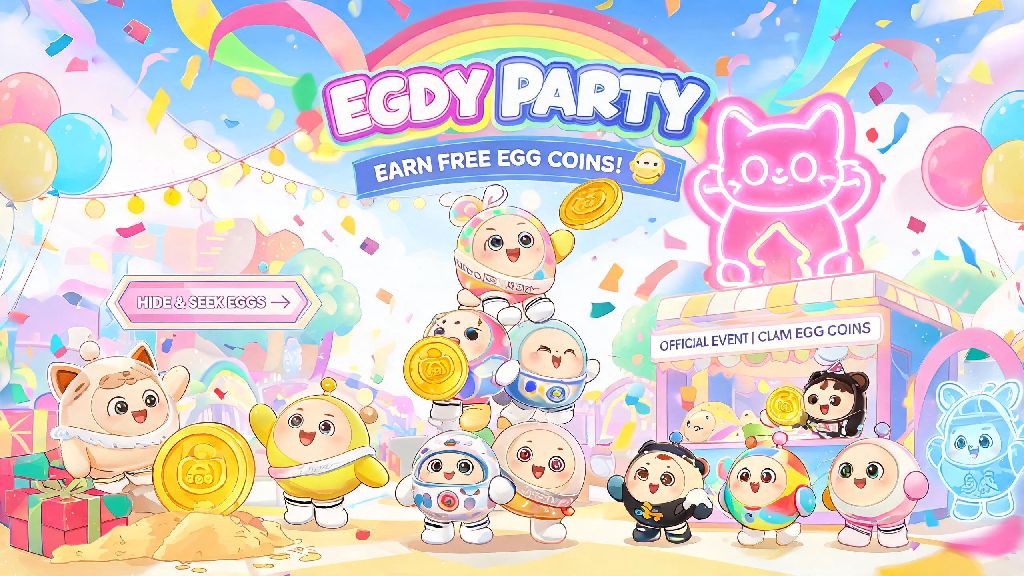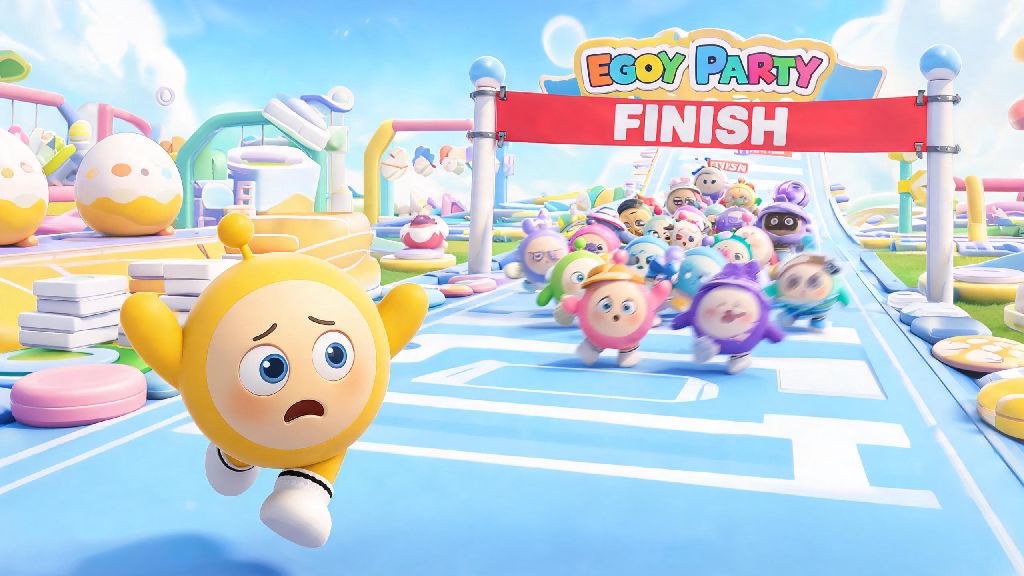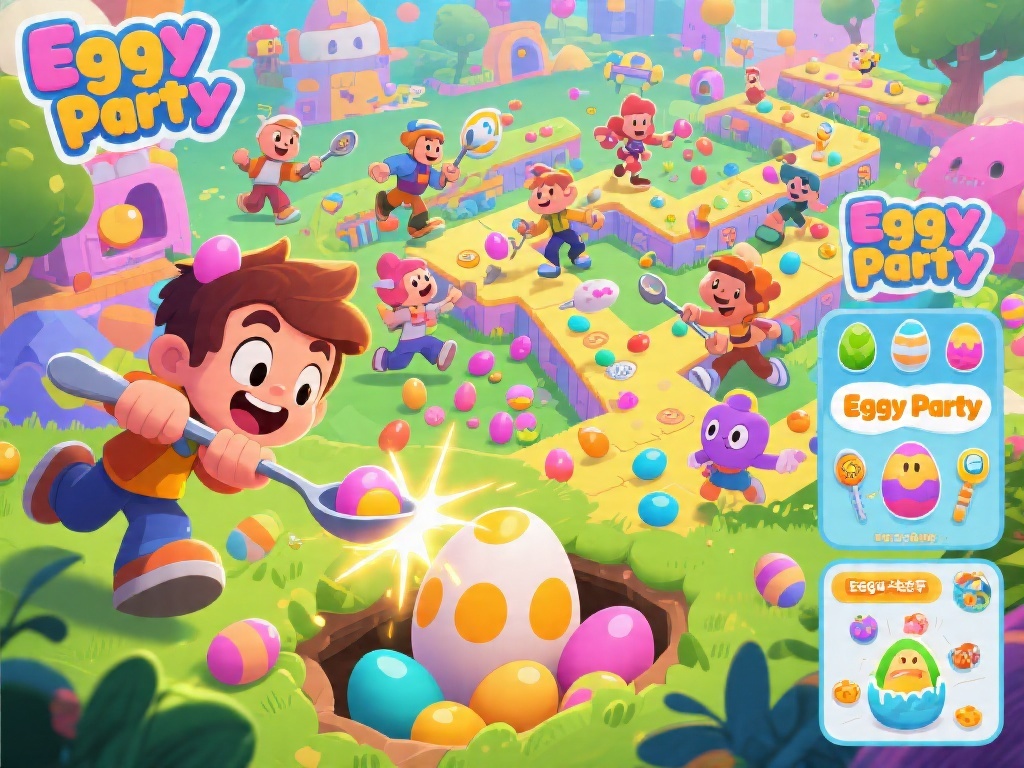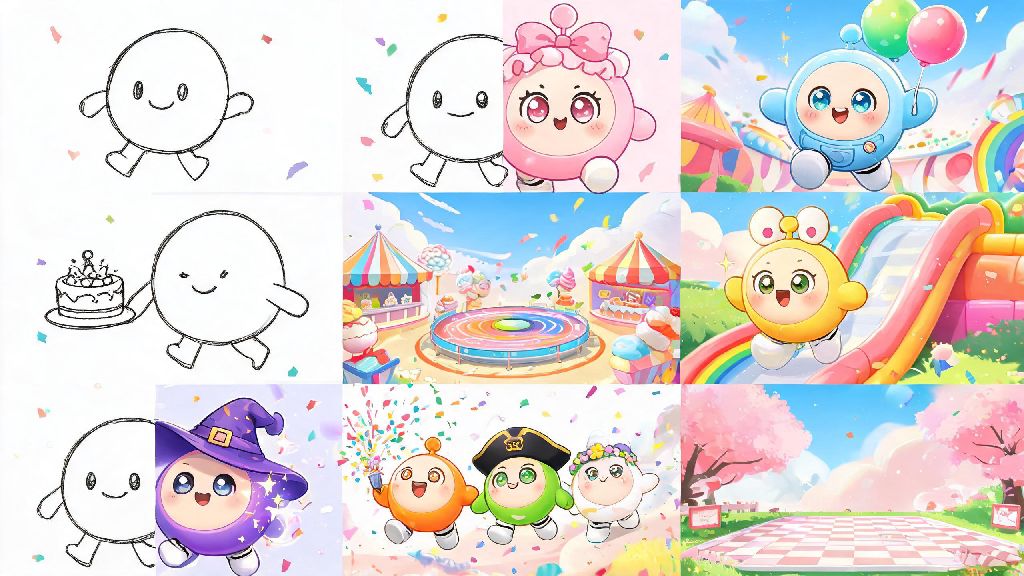
If you’ve spent any time scrolling through Eggy Party’s official Discord or TikTok feeds, you’ve probably stumbled across vibrant, silly, and surprisingly heartfelt Eggy Party fan art that stops you mid-scroll. I’ve been part of the Eggy creative community for almost three years, and I’ve seen creators go from drawing stick-figure eggies to getting their work featured on official seasonal loading screens. You don’t need a fancy art degree or expensive tools to make art that other fans will love, either. All you need is a little creativity, a few simple tips, and a love for the chaotic, adorable world of Eggy Party.
Key Traits That Make Eggy Party Fan Art Go Viral in Communities
Before you pick up a pen or open a drawing app, it helps to understand what makes fan art for this game resonate with other players. Eggy Party’s core identity is built on lighthearted chaos, cute character design, and shared in-game memories, so your art should lean into those elements first. You don’t need hyper-realistic shading or complex backgrounds to make a piece that gets thousands of likes, as long as it feels true to the game’s vibe.
Lean into the game’s signature silly tone first. Some of the most popular pieces I’ve seen don’t depict perfect wins, they show relatable messy moments: an eggy getting launched off the map by a stray bomb, a group of friends all falling into the slime pit right before the finish line, an eggy stealing a crown from a teammate mid-round. These moments feel familiar to every regular player, so they spark immediate connections.
Include recognizable game references to make your work feel intentional. You can add small details like the classic spring jump prop, a seasonal battle pass skin, a signature obstacle from a popular map, or even the iconic “GO!” text that pops up at the start of every round. Even players who only log in once a week will pick up on these small touches and feel drawn to your work.
Add a personal touch to make your art stand out from hundreds of similar pieces. You could draw your own custom eggy wearing your favorite real-life outfit, or reimagine a recent funny moment you had with your in-game squad. Last year, I posted a 10-minute doodle of my custom eggy covered in mud after a particularly brutal round of Obstacle Course, and it got shared by the official Eggy Party TikTok account. I’d only been practicing digital art for two months at that point, so it was a huge surprise.
Beginner-Friendly Tools to Make Your Art Without Expensive Gear
One of the biggest myths I see in the creative community is that you need a $200 drawing tablet and a paid Photoshop subscription to make good fan art. That’s simply not true. Most of the top fan art creators I follow started out drawing with their finger on a $100 smartphone, or using regular crayons and notebook paper. The tool you use matters far less than the idea behind your piece.
For digital creators on a budget, there are dozens of free, high-quality tools you can use right away without spending a cent. I recommend starting with one of these options until you have a clear idea of what features you actually need:
Don’t waste money on premium tools until you’ve practiced with free options for at least a month. I’ve seen so many new creators buy an expensive tablet, get overwhelmed by all the features, and give up entirely after a week. If you prefer drawing by hand, you don’t have to switch to digital at all. I’ve seen dozens of viral fan art pieces drawn with crayons on notebook paper that got thousands of likes, just because the concept was so funny and relatable. You can take a photo of your physical art with your phone, adjust the brightness and contrast with a free editing app, and post it just like you would a digital piece.
Simple Tips to Improve Your Art in 30 Minutes or Less
You don’t need to spend hours every day practicing drawing to make noticeable improvements to your Eggy Party art. Small, targeted practice sessions can help you fix common mistakes and make your work look more polished in almost no time. These are the tricks I share with every new creator who asks me for feedback.
First, spend 10 minutes tracing official Eggy Party character art to get the proportions right. Eggy characters have a very specific shape: a round egg body, short stubby limbs, and a head that’s almost as big as their torso. A lot of new creators make the head too small or the limbs too long, which makes their art look like generic chibi art instead of Eggy-specific art. Tracing 2 or 3 official character renders will help you memorize those proportions without any tedious practice.
Always use the official Eggy Party color palette for base skin tones to make your work instantly recognizable. The official team uses a specific set of bright, saturated colors for default eggy skins and common map elements, so using those exact shades will make your art feel familiar even to casual players. You can find pre-made color palettes shared for free in most Eggy creative community channels, so you don’t have to pick the colors yourself.
Stick to simple shading and avoid overcomplicating your backgrounds. Eggy Party’s official art style uses flat colors with very soft, minimal shadows, so you don’t need to spend hours adding complex gradients or lighting effects. A simple light gray shadow under the character’s feet is enough to make your art feel polished. For backgrounds, simple designs like a rainbow stripe for race maps, a dark slime texture for obstacle courses, or just a solid pastel color work perfectly. Busy backgrounds will distract from your character, so less is almost always more.
If you struggle with drawing expressions, just pull up the in-game emote menu for reference. There are dozens of pre-made expressions for every mood, from excited grins to frustrated pouts, that you can copy directly. You don’t have to reinvent the wheel to make your character feel alive.
How to Share Your Art and Get Feedback From the Community
Once you finish your piece, sharing it the right way can help you get more eyes on your work, get useful feedback, and even get noticed by the official Eggy Party team. The Eggy community is generally very supportive of new creators, but there are a few small things you can do to make your posts perform better and get more helpful responses.
First, post your work in official community spaces first. The official Eggy Party Discord has a dedicated fan art channel where mods regularly scroll for pieces to feature on official social media accounts. On TikTok, Instagram, and X, use tags like #EggyPartyFanArt and #EggyWorkshop to make sure other fans can find your work. If you made art for a specific seasonal event, add that season’s hashtag too, since official accounts often monitor those tags for contest entries.
Add a short caption explaining the reference in your art to help new fans understand the joke or scene. If you drew a specific moment from a recent match, mention that in your caption. If you designed a custom skin for a fan contest, explain the inspiration behind it. Posts with context get far more engagement than posts with just an image and no explanation. If you want specific feedback, ask for it directly instead of just posting your art and waiting for comments. For example, you can ask “I’m still working on shading, do you have any tips for making this eggy look more 3D?” Most creators are happy to share advice if you ask clearly.
Make sure you follow basic community rules when posting. Don’t repost other creators’ art without permission, and don’t use other people’s original custom eggies in your work unless they explicitly say it’s okay. If you reference another creator’s work in your piece, tag them in your post to give credit. The community is small, so building a reputation for being respectful will help you make connections and get more support for your work long-term.
Keep an eye out for official fan art contests too. The Eggy team runs contests every few months for new seasons, with prizes ranging from free redeem codes for skins and egg coins to having your art featured on official loading screens. I entered a winter season contest last year with a doodle of an eggy building a snowman out of slime, and I won a free seasonal battle pass even though my art was far from the most polished one entered. It’s worth joining even if you’re new, because the team prioritizes creative concepts over technical skill for most contests.
At the end of the day, creating Eggy Party fan art is all about having fun and connecting with other people who love the game as much as you do. You don’t have to be a professional artist to make something that makes other players smile, or even gets noticed by the official team. Start small, experiment with different styles, and don’t be afraid to share your work even if you think it’s not perfect. The Eggy community is one of the most supportive creative spaces I’ve ever been part of, and there’s always someone excited to see your take on the world of squishy, chaotic eggies.