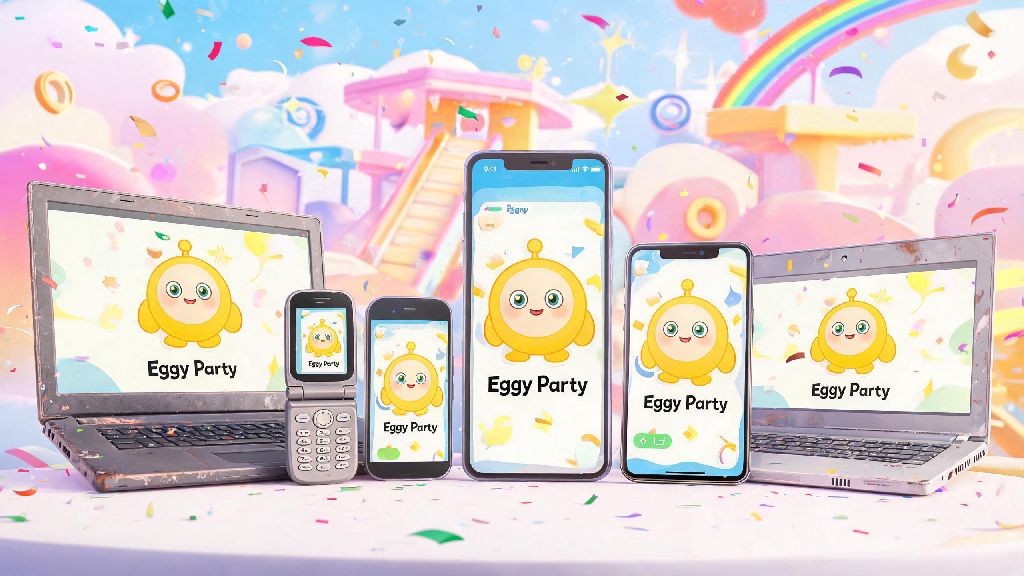
If you’ve scrolled through TikTok or seen your group chat spammed with clips of silly egg-shaped characters racing through obstacle courses, you’re probably eager to download Eggy Party and join the fun. Before you hit the install button though, you’ll want to confirm your device meets the Eggy Party system requirements to avoid mid-match crashes, lag, or failed load times. The good news is this casual party game is far more accessible than most competitive multiplayer titles, but even optimized games have baseline specs you need to hit for a smooth experience. I’ve tested the game on half a dozen different devices over the past year, from budget phones to old work laptops, so I’ve pulled together all the info you need to get up and running fast.
Official Minimum Eggy Party System Requirements for All Platforms
The devs behind Eggy Party built the game to work on as many devices as possible, so the minimum specs are surprisingly low for a title with such vibrant, dynamic visuals. These specs are the absolute lowest bar to launch the game and join basic public matches, though you will have to run on low settings and might see occasional stutters during crowded rounds. Keep in mind these specs apply to the official versions of the game available on app stores and Steam, not unofficial modified builds. For Android users, you’ll need a device running Android 8.0 or later, at least 2GB of RAM, 4GB of free storage space, and an Adreno 506 GPU or equivalent processor. For iOS users, the minimum is an iPhone 8 or later running iOS 13.0, 2GB of RAM, and 3GB of free storage. If you’re playing on PC via Steam, you’ll need Windows 10 64-bit, an Intel Core i3-3220 processor, 4GB of RAM, Intel HD Graphics 4000, and 5GB of free storage space. I tested these minimum specs last month on a 2018 budget Android phone, and the game ran decently for casual 4-player minigame rounds. But I couldn’t join 16-player custom lobbies or load maps with heavy custom assets without the game crashing, so keep that limitation in mind if you only meet the minimum requirements.
Recommended Specs for the Best Eggy Party Experience
If you want to play on max settings, join custom lobbies, stream your matches, or capture gameplay clips without issues, you’ll want to meet these recommended specs instead of the minimum. These specs will let you run the game at a steady 60fps, with all particle effects, custom skins, and map lighting turned on, even during the busiest seasonal event rounds. You'll also be able to capture crisp gameplay clips to share with your friends without any frame drops mid-recording. For Android, the recommended specs are Android 11 or later, 4GB of RAM, a Snapdragon 660 processor or equivalent, and 6GB of free storage space. For iOS, you’ll want an iPhone 11 or later running iOS 15.0 or later, 4GB of RAM, and 4GB of free storage. For PC users, the recommended specs are Windows 10 64-bit, an Intel Core i5-6400 processor, 8GB of RAM, an NVIDIA GTX 750 Ti graphics card, and 6GB of free storage space. If you stream your matches, you'll want specs slightly higher than the recommended list to avoid OBS or streaming apps eating into your game performance. These specs are still way lower than most other popular multiplayer games, so even a mid-range device that’s 2 or 3 years old will likely hit these marks with no problem. I play on a 3-year-old mid-range Android phone, and I never have lag or crashes even when I join the biggest custom map lobbies with all my friends.
Simple Tweaks to Run Eggy Party on Lower-End Devices
If your device doesn’t quite meet the minimum Eggy Party system requirements, you don’t have to run out and buy a new phone or laptop to play. I’ve helped dozens of friends get the game running on older devices with just a few simple setting changes, no expensive upgrades required. These tweaks cut down on processing demand without ruining the core fun of the game, so you can still join all your friends’ lobbies and win matches. Try these easy adjustments first if you’re having performance issues:
Common Performance Issues and How to Fix Them
Even if you meet or exceed the Eggy Party system requirements, you might run into occasional performance issues that have nothing to do with your device specs. Most of these issues are super easy to fix in just a few minutes, so you don’t have to stress about missing out on matches with your friends. I’ve run into almost every common issue there is over the past year of playing, so I’ve pulled together the most reliable fixes. The most common issue people report is random crashes mid-match. 9 times out of 10, this isn’t a spec issue, it’s because you’re running an outdated version of the game. Head to your app store or Steam library to check for updates, and install any available patches before you launch the game again. If that doesn’t work, make sure you don’t have any custom skin mods or modified game files installed, as these often conflict with official updates and cause crashes. Another common issue is lag even when you have high-end specs. This almost always comes down to a bad internet connection, not a hardware problem. Try switching from Wi-Fi to mobile data, or moving closer to your router, since Eggy Party needs a stable 2Mbps internet connection to run multiplayer matches smoothly. If you still have lag, make sure no one else on your network is streaming 4K video or downloading large files while you’re playing. Slow load times for custom maps are another frequent complaint. This is almost always caused by full storage space on your device. Delete a few unused apps, old photos, or downloaded videos to free up at least 2GB of extra space beyond what the game requires, and you’ll see load times drop drastically. If you’re on PC, installing the game on an SSD instead of an HDD will cut load times in half almost instantly.
At the end of the day, the Eggy Party system requirements are far more accessible than most other popular multiplayer games on the market right now, which is a big part of why it’s become such a hit with casual and core gamers alike. Even if your device is a few years old, you can almost certainly get it running with a few small setting tweaks, no expensive upgrades required. Next time you’re getting ready to join a friend’s lobby, just double check your specs against the list above, and you’ll be winning egg hunts and race matches without any frustrating tech issues getting in the way.