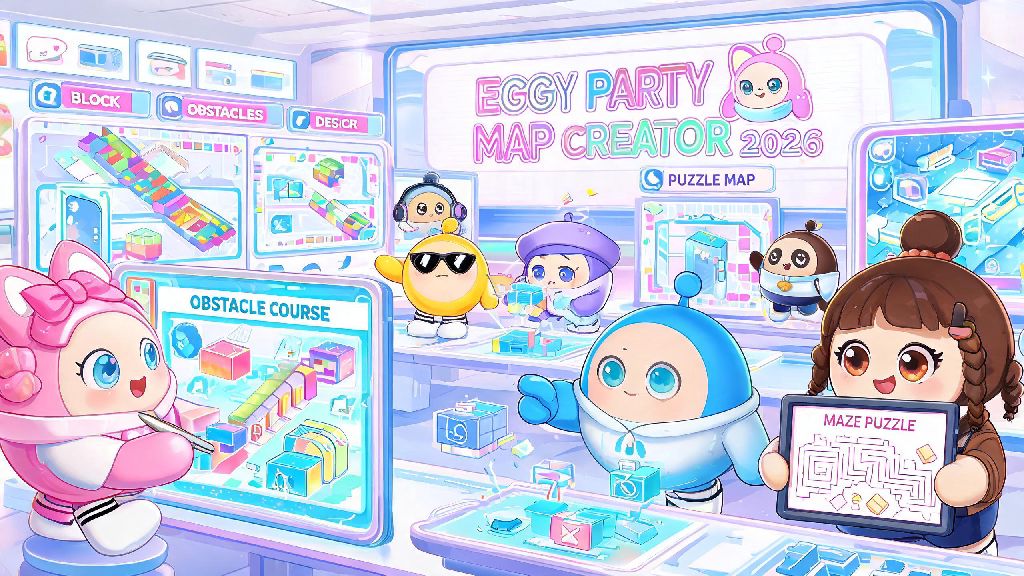
If you’ve spent any time playing Eggy Party in 2026, you’ve probably stumbled on wild, creative custom maps that feel nothing like the official game modes. From obstacle courses themed after your favorite 2026 anime to puzzle maps that take hours to beat, user-created content is what keeps the game feeling fresh months after each season drops. If you’ve ever wondered how to create custom maps in Eggy Party, you don’t need fancy design skills or coding experience to get started. I’ve made 12 published maps in the last 6 months, 3 of which have over 100,000 plays, so I’m breaking down exactly what you need to know to make your first map that players will actually want to try.
How to create custom maps in Eggy Party: First steps to access the 2026 editor
The 2026 Eggy Party update dropped the level requirement to access the map editor from level 30 to level 15, so most regular players can start creating maps within a week of making their account. To get to the editor, open the main menu, tap the Workshop tab, and select “Create New Map” from the right-hand menu. You’ll be prompted to pick a base template first, and base template choice is the most important first decision you’ll make for your map.
Each template comes with pre-set settings that match the most popular map types: Race has a default 3-minute timer and standard platforming gravity, Puzzle has no timer and slower movement speed for problem solving, and Sandbox has unlimited map size and no default rules. You can tweak almost all of these settings later, but starting with the right template cuts down your edit time by 30% in my experience. If you’re making your first map, start with the Race template, it’s the most popular workshop category and has the simplest core mechanics to learn.
Core editor tools you should master for your first 2026 custom map
The 2026 editor overhaul simplified most of the clunky tools from older versions, so you can drag and drop assets directly onto your map without extra formatting steps. When you're learning how to create custom maps in Eggy Party, it's easy to get distracted by all the fancy assets, but sticking to a small set of core tools first will help you build confidence faster. The main tools you’ll use 90% of the time are:
Don’t get overwhelmed by the more advanced tools like trigger events or custom asset uploads at first. I didn’t touch those for my first 3 maps, and they still got tens of thousands of plays. The 2026 editor has a built-in tutorial for every advanced tool if you click the small question mark icon next to each feature, so you don’t have to search for external guides when you're ready to level up. If you're looking for free custom assets to add to your map, you can find community-shared 2026 asset packs on the official Eggy Party Workshop resource page that are pre-approved for publishing, so you don't have to worry about your map getting taken down for copyright violations.
Pro design tips to make your Eggy Party map stand out in 2026
Thousands of new maps get uploaded to the Eggy Workshop every day in 2026, so small design choices will make your map stand out from the crowd. One of the most common mistakes new creators make when learning how to create custom maps in Eggy Party is cramming too many assets into a small space, which makes the map lag and hard to navigate. Stick to one cohesive theme, and only add assets that serve a purpose or fit the vibe you’re going for.
Always add a clear, obvious goal for players right from the start. If it's a race map, put the finish line arch in sight of the spawn point so players know exactly where they're going. If it's a puzzle map, add a small sign near spawn that explains the core objective, like "Collect 3 stars to unlock the exit". I see so many new map makers skip this, and their maps get bad reviews because players don't know what to do.
You should also balance difficulty for casual players first. Most people browsing the workshop are looking for fun, not a soul-crushing challenge that takes 50 tries to beat. If you want to add hard sections, add optional skip paths for players who don’t want to grind the same jump over and over. I also add small Easter eggs to all my maps, like a hidden bounce pad that skips 3 sections or a silly area with dancing egg NPCs, and players regularly mention those details in positive reviews.
How to publish and promote your custom Eggy Party map in 2026
Once you’ve tested your map, fixed all visible glitches, and you’re happy with the final product, it’s time to publish. Write a clear, descriptive title and thumbnail that tells players exactly what your map is. Don’t use clickbait titles like “BEST MAP EVER” because players will skip over those. Instead, use specific titles like “Cute Coffee Shop Race - Easy 3 Minute Course” so people know what to expect before they click. The 2026 workshop algorithm prioritizes maps with clear titles and high-quality thumbnails, so take an extra 2 minutes to snap a screenshot of the most interesting part of your map for the thumbnail.
The first 24 hours after publishing are the most important for algorithm traction, so share your map with your in-game friends first and ask them to leave a like and honest review if they enjoyed it. Even 10 initial plays and likes can be enough to push your map into the “New & Popular” tab for your map category, which exposes it to thousands more players. You can also share short clips of your map on Eggy Party community Discord servers or TikTok, as long as you follow each community’s self-promo rules. Don’t spam your map everywhere, that will turn people off instead of making them want to play.
You can also update your map even after it’s published, so if players leave reviews pointing out glitches or unfair sections, you can edit the map and republish it without losing your existing plays or reviews. I’ve updated my most popular map 4 times since I first published it, and each update brought a new wave of plays as returning players came back to try the new sections.
You don’t need to be a professional game designer to make fun, popular custom maps for Eggy Party in 2026. Even if you start small with a simple 2 minute race course, the more you practice with the editor, the more creative you can get with your designs. Now that you know how to create custom maps in Eggy Party, the only limit is your imagination. Open up the editor this weekend, play around with the tools, and you might end up with a viral map that thousands of players enjoy.