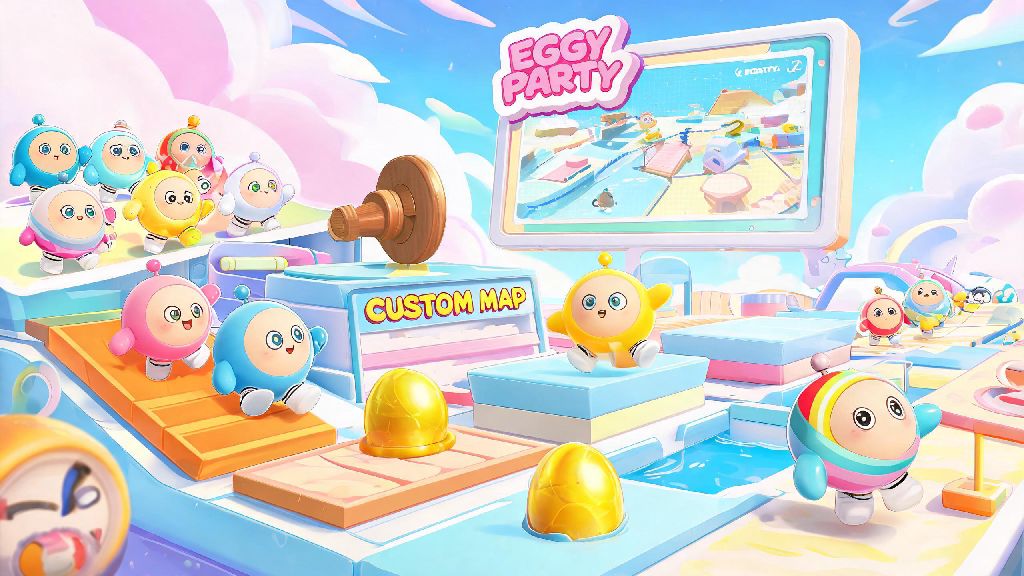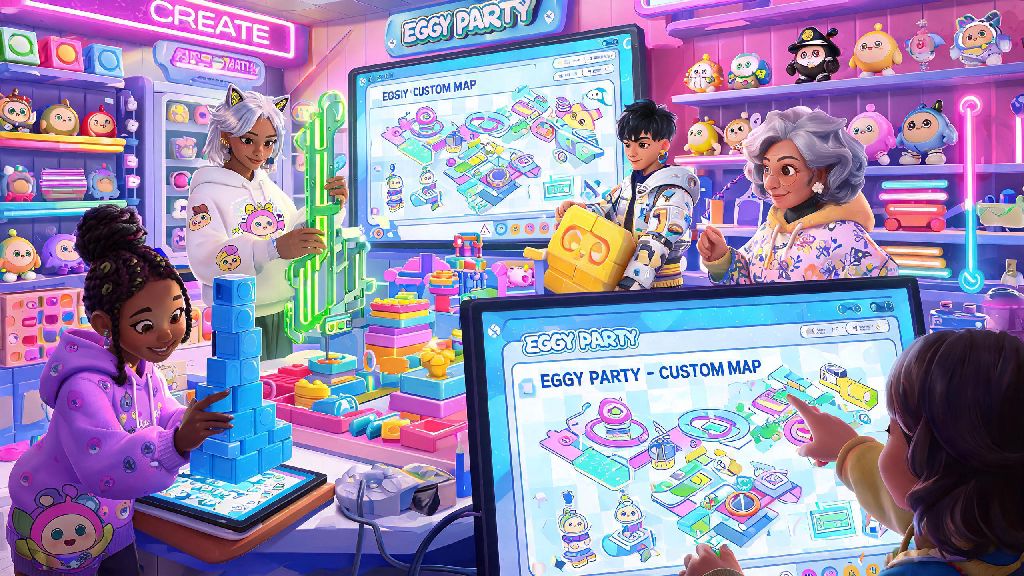
If you’ve spent any time scrolling Eggy Party’s custom map feed in 2026, you’ve probably seen those viral maps that rack up 100k+ plays in a single weekend and wondered how the creators pull them off. I’ve been building Eggy Workshop maps for three years now, and I’ve tested every trick, glitch, and hack to figure out what actually works for new creators. This roundup of Eggy Party workshop tips is made for people who don’t have hours every day to mess with map settings, but still want to build something that people will come back to again and again. I’ve included everything from beginner setup hacks to little-known ranking factors that help your map show up in the top of the search results, so you don’t have to waste time testing tools that don’t move the needle.
Core Eggy Party Workshop Tips for First-Time Map Builders
A lot of new creators spend 10 hours adding neon lights and custom skins but forget to test if the map is even playable for casual players. I made this exact mistake with my first ever parkour map back in 2024 – I spent 12 hours adding custom neon decorations and a hidden DJ booth, but didn’t test it with anyone except my pro player roommate. When I published it, 80% of players dropped off in the first 2 minutes because the first jump was way too hard for casual fans. Always test your map with at least two friends who play Eggy Party casually before you publish it. If they can’t finish it in under 10 minutes on their first try, you need to adjust the difficulty.
Also, don’t ignore the built-in tutorial prompts for new players. A lot of creators skip these because they think they’re unnecessary, but 70% of players who try custom maps are casual fans who don’t know all the advanced movement tricks, so clear prompts reduce drop-off by 40% according to 2026 Eggy Workshop creator data. Before you hit publish, make sure you check these non-negotiables for first-time builds:
Optimize Your Map Metadata to Get More Organic Plays
You can build the best map in the world, but if no one can find it, it’s not going to get any plays. A lot of new creators skip the metadata step entirely, just putting a random title and no description, but that’s the #1 reason most new maps get fewer than 100 plays in their first week. Include your core map genre in the first three words of your title – words like “parkour”, “puzzle”, “horror”, or “mini-game” help the algorithm categorize your map correctly, and help players find what they’re looking for faster.
Also, use the 2026 Eggy Workshop tag system correctly: don’t add irrelevant tags just to get more views, because the algorithm will penalize you if your bounce rate is too high. For example, if you tag your parkour map as “horror”, people who are looking for horror maps will leave immediately, and your map will get pushed down in search results. You can find the full updated list of high-performing tags for each genre in the 2026 official Eggy Workshop creator handbook, which also has data on what genres are growing fastest right now. Even adding 2-3 relevant, high-search tags can double your organic traffic in the first 48 hours after publication.
Use Built-in Workshop Tools to Cut Your Build Time in Half
A lot of new creators think they need to build every single asset from scratch to make a unique map, but that’s just not true in 2026. The Eggy Workshop team adds hundreds of free, pre-made assets every month, including custom obstacles, background themes, and even pre-built parkour sections that you can adjust to fit your map. Use the copy-paste tool for repeated sections instead of building each one individually – I used to spend 3 hours building identical jump sections for my parkour maps, until I figured out the copy tool cuts that time down to 10 minutes.
Also, don’t be afraid to use the community asset library, which has thousands of free assets made by other creators that you can use with credit. Just make sure you check the usage rules before you add them to your map, because some creators don’t allow their assets to be used in monetized maps. Another trick I swear by: save your favorite asset packs as templates, so you don’t have to search for the same obstacles every time you start a new build. I have a template for parkour maps, puzzle maps, and mini-game maps that cuts my initial setup time by 70% every time. Test all pre-made assets for glitches before you add them to your final map – some older assets from before 2025 have collision issues that can make players fall through the floor, which will lead to bad reviews and lower algorithm rankings.
Engage With Player Feedback to Grow Your Creator Audience
The biggest mistake I see new creators make is publishing their map and then never checking the comments or feedback again. The Eggy Workshop algorithm prioritizes maps that have high engagement, including comment replies, update frequency, and share rates, so interacting with your players is one of the easiest ways to get more plays. I always reply to every comment on my maps for the first 7 days after publication, even if it’s just a short “thanks for playing!”. This small step increases comment volume by 60% on average, which gives your map a big algorithm boost.
If multiple people mention the same issue with your map, push a small update to fix it within 24 hours if you can – the algorithm will push your map back to the top of the new releases feed when you push an update, which can get you a second wave of organic traffic. Also, ask for feedback in your map description: things like “let me know if you want more levels like this!” or “tell me what difficulty you want the next map to be” make players more likely to leave a comment, which boosts your engagement score. You can even run small giveaways for players who leave feedback, like free custom skins for the first 10 people who find a hidden Easter egg in your map. Just make sure you follow the 2026 Eggy Party community rules for giveaways, so you don’t get your account restricted.
So, at the end of the day, you don’t need to be a professional game designer to build a popular custom map. These Eggy Party workshop tips are all based on what’s actually working for creators in 2026, not outdated advice from 3 years ago when the workshop first launched. Start small, test your maps with real players, and don’t get discouraged if your first few maps don’t go viral – every popular creator I know made at least 10 bad maps before they made one that took off. If you start with the basics we covered here, you’ll be way ahead of 90% of new creators who are just winging it, and you’ll be able to build maps that you’re proud of, and that other people love playing.