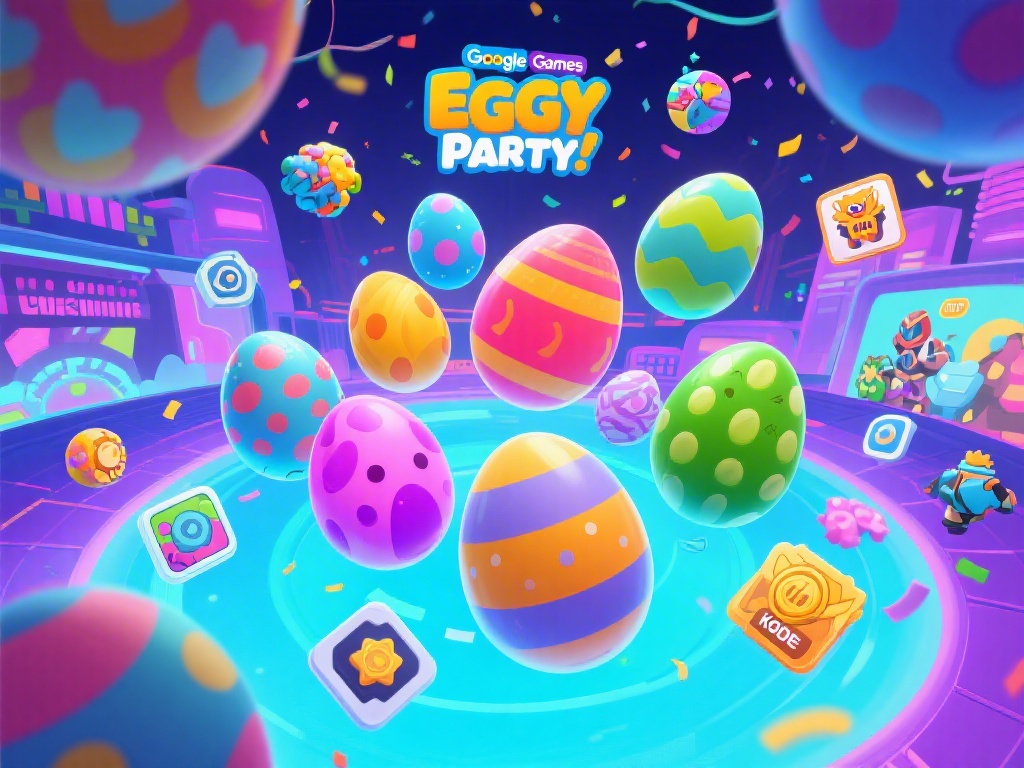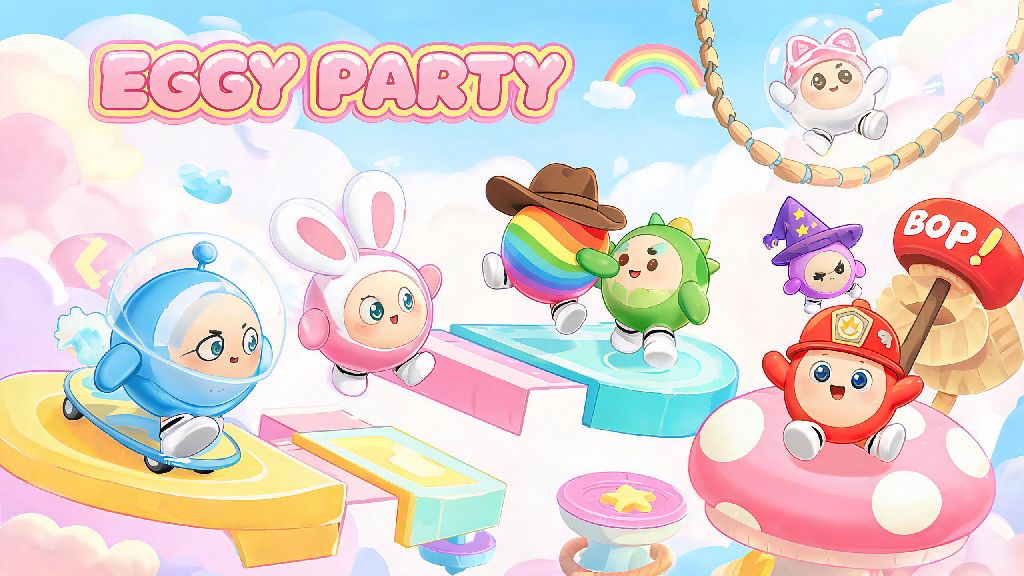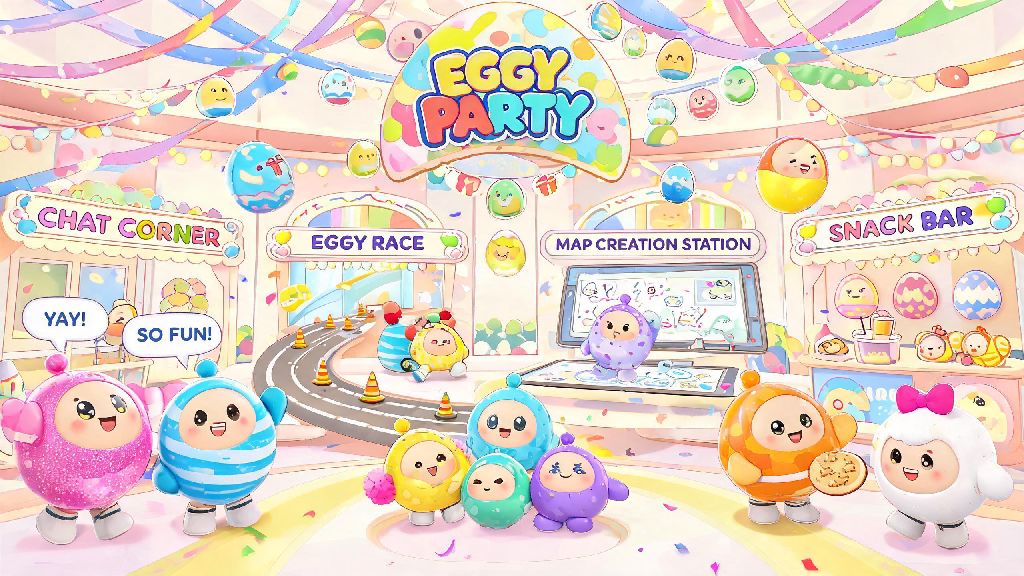
If you’ve spent any time rolling around as a squishy, colorful egg in Eggy Party, you’ve probably stumbled past the main menu prompt for the Eggy Party social hub without giving it a second look. Most new players jump straight to quick matches or user-created maps, skipping this feature entirely because they assume it’s just a boring menu for adding friends. That’s a huge mistake, though—this hub is one of the most underrated parts of the entire game, packed with tools to make your play sessions way more fun, social, and even rewarding. You don’t have to spend hours here to get value out of it, either; even a few minutes per visit can unlock perks you won’t find anywhere else in the game.
What Makes the Eggy Party Social Hub Worth Your Time?
I used to skip the hub entirely for the first three months I played Eggy Party, until a friend dragged me in to claim a limited-time emote giveaway. I had no idea just how many useful features were tucked into this shared space, beyond the basic friend list. The Eggy Party social hub also has a dedicated photo booth area where you can take screenshots of your egg in your favorite skins, with fun backgrounds and filters that you can share on your social media.
First, you’ll get access to daily check-in rewards that you can only claim in the hub, ranging from 50 to 200 free coins, rare skin fragments, and even limited-edition emotes. You also get first access to limited-time community challenges that reward top participants with exclusive skins that never show up in the in-game item shop. It’s also home to custom lobby creation tools that let you build game sessions with exact rule sets, from no-item ranked matches to silly roleplay lobbies where winning doesn’t matter at all.
You don’t have to interact with other players if you don’t want to, either. You can set your profile to hidden and just pop in to claim rewards, check event schedules, and browse custom lobbies without being bothered by random messages or friend requests.
Top Features to Prioritize on Your First Hub Visit
When you first load into the hub, it’s easy to get overwhelmed by all the little icons and crowds of other eggs running around. You don’t have to explore everything at once, though—stick to these core features first to get the most value right away:
You can also access all of these features directly from the Eggy Party social hub home screen, no extra downloads or menu navigation required. I used to skip the friend recommendation board entirely until I tried it last month, and I now have a regular group of 4 players I play ranked matches with every weekend. It’s way more accurate than the random matchmaker’s team selection, and you can avoid most toxic players by checking their profile reviews before sending a friend request.
How to Host a Successful Game Night Through the Hub
One of the best uses for the hub is hosting private game nights with your friends, or even open public events for the wider Eggy Party community. You don’t need any special permissions to host an event, and if your event gets enough sign-ups, you can even earn bonus community contribution points that you can exchange for exclusive egg skins and name tags. All of the event hosting tools are built directly into the Eggy Party social hub, so you don’t need any external software to schedule or run your game night.
Start by picking a clear theme for your event, like all parkour maps, silly mini-game only, or noob-friendly casual play, so people know exactly what to expect when they sign up. Post a notice in the hub’s event board 24 hours in advance, and mention if you’re giving away any small prizes (like a rare emote) for the top player to boost sign-ups. Make sure to set your lobby to allow late joins if you’re running a casual event, so people can drop in and out as their schedules allow.
When you post your event on the Eggy Party social hub bulletin board, you can choose to make it public or private, so only people you invite can join if you’re hosting a small game night with close friends. I hosted a casual "noob friendly" parkour night a few weeks ago, and 18 people showed up, way more than I expected. The only mistake I made was forgetting to turn off friendly fire for the first round, which led to a lot of chaotic egg explosions that everyone ended up laughing about anyway. Don’t worry about making your event perfect, most players just show up to have fun, so minor mistakes are totally fine.
Common Hub Mistakes to Avoid
Even if you’re using the hub regularly, there are a few common missteps that can make the feature feel more frustrating than fun, and they’re all easy to avoid if you know what to look for. Most of these scam attempts are specific to the Eggy Party social hub, because it’s one of the only places in the game where players can freely message strangers, so it pays to be cautious.
First, don’t accept every friend request that pops up while you’re in the hub. A lot of bot accounts send requests to players in the hub to send scam links for free skins, so only accept requests from players you’ve actually played a match with or talked to in the hub chat. Never click links sent to you through hub DMs from people you don’t know, because almost all of them are phishing attempts designed to steal your account information.
Second, don’t ignore the hub’s privacy settings. By default, your profile is visible to everyone in the hub, and anyone can send you a DM or friend request. You can adjust these settings in the top right corner of the hub screen to only allow messages from friends, or hide your profile entirely if you just want to browse events without being bothered. Third, don’t forget to claim your daily reward. The hub has a little reward chest that refreshes every 24 hours, and it usually gives you 50-100 free coins, and sometimes even rare emotes or skin fragments. I forgot to claim mine for 3 days last week, and missed out on 300 coins that I could have used to buy a new spring-themed egg skin.
You don’t have to spend hours in the Eggy Party social hub every time you play to get value out of it. Even 2 minutes a day to claim your reward, check for new events, and say hi to your regular play group can make your entire Eggy Party experience feel way more personal and fun. Next time you log in, skip the quick match button for 5 minutes and explore the hub—you might be surprised by what you find.