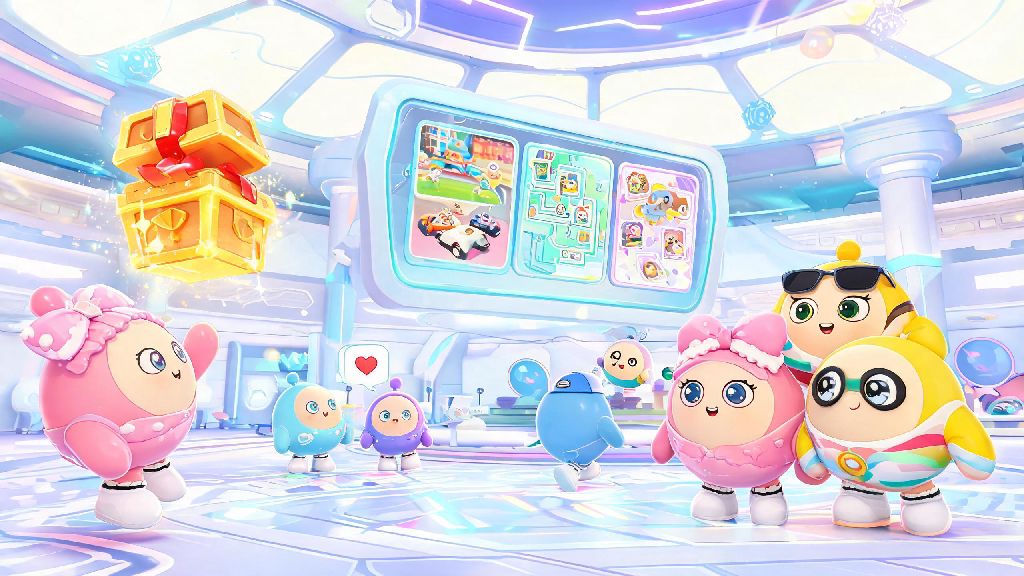
If you’ve ever loaded up Eggy Party, tapped through the opening animations, and froze staring at the bright, busy screen in front of you, you’re not alone. Thousands of new players log in every day, and most don’t realize how much they’re missing by rushing past the Eggy Party lobby to jump straight into their first match. I spent my first three weeks playing the game completely missing the daily reward chests, the custom game browser, and the option to squad up with random players who match my playstyle, all because I didn’t take 10 minutes to learn what every part of the lobby does. This guide breaks down all the useful features you might be overlooking, plus simple hacks to make your time in the lobby faster, more fun, and way more rewarding.
Core Features of the Eggy Party Lobby You’re Probably Skipping
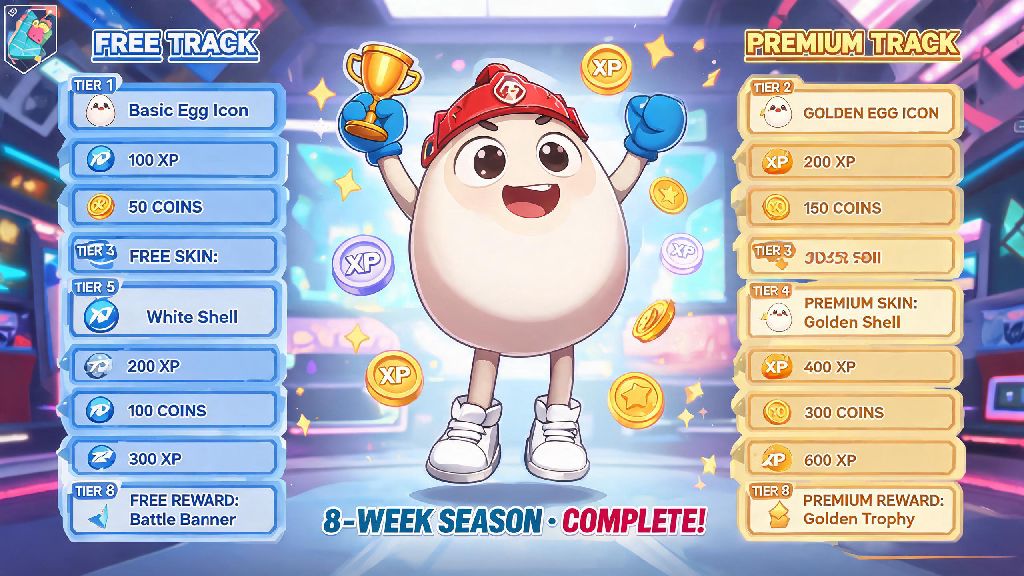
Most people only use the lobby to tap the “play” button, but it’s packed with tools that make your whole gameplay experience better if you know where to look. The first one to check out is the Daily Reward Kiosk tucked in the top left corner, right next to the shop icon. A lot of players close the initial pop-up reward when they log in and forget to check the kiosk, which has extra daily bonuses like rare skin shards, free Egg Pass tiers, and even occasional limited-edition emotes. I scored a free space helmet skin last month just by logging in for 7 consecutive days and claiming the bonus from this kiosk, no purchase required.
Another underused feature is the Custom Game Browser hidden under the “more modes” tab. If you only ever play quick match or ranked, you’re missing out on thousands of user-created maps that range from ultra-challenging parkour courses to silly party minigames that don’t count toward your rank. I spent three nights last week grinding a 100-level stair climb map I found in this browser, and it’s now one of my favorite things to play when I don’t feel like competing in ranked matches. You can also filter maps by popularity, playtime, or genre to find exactly what you’re in the mood for.
Don’t sleep on the Friend Recommendation Panel in the bottom right corner, either. It’s a tiny, easy-to-miss section that shows you players you’ve recently matched with who have similar win rates and playstyles to yours. You can send them a squad request with one tap, and it’s way more reliable than matching with randoms who might leave mid-game. My current regular 4-person squad came entirely from this panel, and we’ve placed top 3 in three separate community tournaments this year. There’s also a preview mode for new skins right in the lobby shop—you can test how any skin looks with your favorite emotes and accessories before you spend coins on it, which saved me from wasting 800 coins on a neon cat skin that was way too bright to use during matches.
5 Quick Tweaks to Make Your Eggy Party Lobby Experience 10x Faster
If you’re tired of waiting for the lobby to load, scrolling through dozens of modes you never play, or getting spammed with random squad requests, these one-time adjustments will fix all those annoyances in less than two minutes. I applied all of these six months ago, and I cut my average time from logging in to joining a match in half.
How to Earn Extra Rewards From the Lobby Without Playing Matches
You don’t have to play a single round to earn valuable rewards in the Eggy Party lobby, and that’s a fact most players never learn. The first spot to check is the Daily Check-in Streak calendar behind the reward kiosk. The initial pop-up reward you get when you log in is only the first bonus—if you open the calendar, you’ll see extra rewards for 7, 14, and 30 consecutive logins, including exclusive skins that you can’t buy in the shop. I’ve earned two limited-edition character skins this year just from logging in daily, even on days I didn’t have time to play a match.
Keep an eye out for random interactive events that pop up in the lobby too. Every few days, a small stray Eggy will run across the bottom of the screen, and if you tap it, you’ll get 50 to 200 free coins. I average about 3 of these a week, and over the course of a month, that adds up to enough coins to buy a common skin or a couple of emote packs. It only takes a second to tap, so it’s always worth keeping half an eye out for them when you’re waiting in a queue.
If you’re part of a club, the club mission panel on the left side of the lobby has easy daily tasks that don’t require playing matches. You can earn club points for things like sending a friend a gift, posting a message in the club chat, or even just logging in while other club members are online. You can trade those points for exclusive club skins, avatar frames, and coin bonuses that aren’t available anywhere else. Last month, I was swamped with work and only played 2 matches the whole month, but I still earned enough points from lobby-only tasks to get the exclusive club dinosaur skin I’d been wanting for months.
Common Eggy Party Lobby Mistakes and How to Avoid Them
I made almost all of these mistakes during my first month playing, and I’ve seen hundreds of new players make the same ones, so it’s worth calling them out to save you the hassle. The most common one is forgetting to adjust your quick match preferences before you tap the button. By default, quick match will put you in any available mode, which means you might end up in a team battle when you wanted to play parkour. You can fix this by tapping the small gear icon next to the quick match button and checking only the modes you actually want to play.
Another big mistake is leaving your lobby privacy settings on public by default. When your settings are public, any random player can send you squad requests, view your match history, and even send you private messages. I used to get spammed with scam messages and random invites all the time until I switched my settings to “friends only” in the lobby privacy menu. You can still accept friend requests from people you meet in matches, so you won’t miss out on connecting with new players, but you’ll avoid all the annoying spam.
Don’t forget to check your in-game mail in the lobby either. All rewards from events, tournament wins, and friend gifts go to your mail, and they expire after 30 days if you don’t claim them. I lost over 1,200 coins and a rare emote during my first month playing because I didn’t realize the mail icon even existed, and that’s a mistake I still feel stupid about. Now I make a point of checking my mail first thing every time I log in, so I never miss a reward.
One last thing: don’t idle in the lobby for more than 10 minutes while you’re in a match queue. The game will automatically kick you out of the lobby for inactivity after 10 minutes, and you’ll lose your spot in the queue. If you need to step away to grab a drink or answer a text, just leave the queue first, or you’ll come back to find you have to wait all over again.
You don’t have to spend hours memorizing every button to get the most out of the Eggy Party lobby. Even just implementing one or two of the tips we covered today will save you time, earn you extra rewards, and make your entire play experience way smoother. Next time you log in, take an extra 30 seconds to poke around the parts of the lobby you usually ignore—you might be surprised at what you find waiting for you.