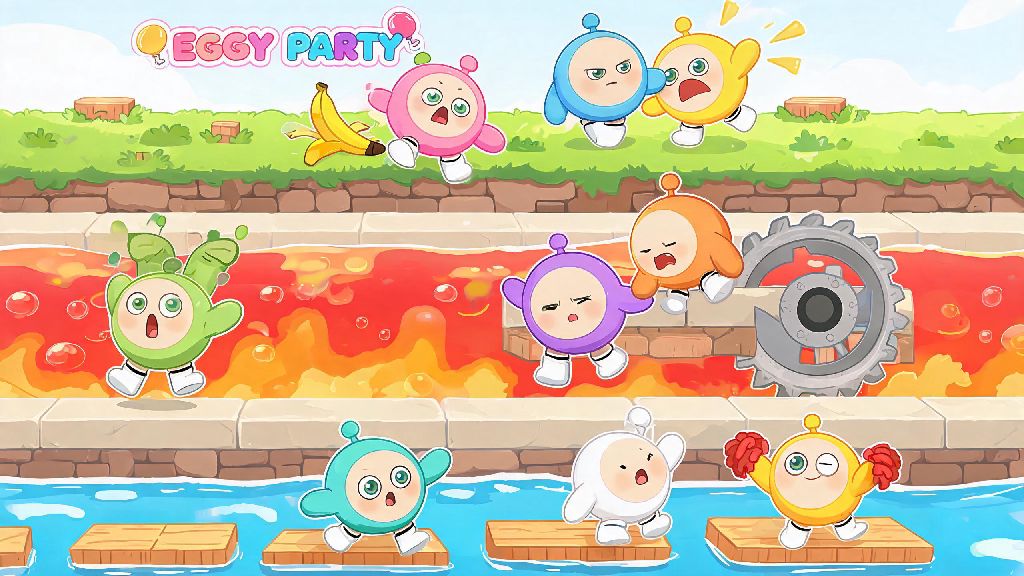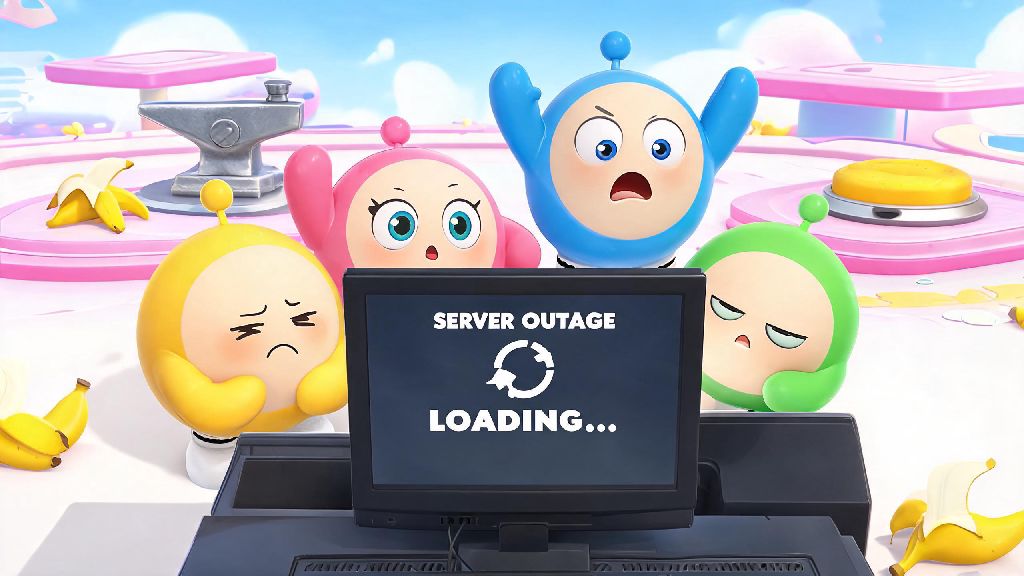
We’ve all been there: you’re 10 seconds away from winning a ranked Eggy Party race, you’ve dodged every banana peel and outrun every falling anvil, and suddenly your screen freezes. When you reload the app, you’re stuck on an infinite loading screen that won’t connect no matter how many times you tap refresh. That’s Eggy Party downtime, and it’s one of the most frustrating experiences for casual and competitive players alike. This guide breaks down everything you need to know about these outages, from why they happen to how you can make the most of the time while you wait for servers to come back up.
Common Causes of Eggy Party Downtime
The vast majority of Eggy Party downtime is planned by the development team to improve the game for all players. Planned maintenance is always announced at least 3 days in advance through in-game notices and official social channels, so you can usually plan around it if you’re grinding for limited event rewards. These maintenance windows are used to roll out new season content, fix widespread bugs, adjust game balance for competitive modes, and add new skins, maps, or mini-game modes for players to enjoy. Most planned outages last between 1 and 2 hours, though major season launches may require slightly longer windows to get all servers running smoothly.
Unplanned Eggy Party downtime is far more annoying, as it comes with no advance warning. These outages are usually caused by sudden server overload, especially during peak play hours on weekends or right after a big content drop when thousands of players are trying to log on at the same time. Less common causes include regional server outages from internet provider issues, DDoS attacks, or unexpected critical bugs that crash the entire server network. Unplanned outages can last anywhere from 15 minutes to several hours, depending on how quickly the dev team can identify and fix the root cause.
How to Confirm Eggy Party Downtime Isn’t On Your End
Before you start resetting your router or deleting app data, it’s smart to first confirm the issue is actually widespread Eggy Party downtime, not a problem with your own device or internet connection. Always check official channels first before troubleshooting your own setup, because you don’t want to waste 20 minutes adjusting your settings when the issue is on the game’s end and already being fixed. You can check the official Eggy Party X (formerly Twitter) account, Discord server, or in-game notice board for real-time updates about ongoing outages. Third-party server status sites that aggregate user reports from other players are also a great way to confirm if other people in your region are having the same connection issues.
If there are no official reports of outages, the problem is likely on your end. You can run through these quick checks to rule out common connection issues:
If you run through all these steps and still can’t connect, you can reach out to Eggy Party customer support to report the issue, as it might be a rare account-specific connection problem. Most simple connection issues can be fixed in 5 minutes or less with these basic steps, so you can get back to playing without waiting for a server fix.
What You Can Do During Eggy Party Downtime
Once you confirm the issue is widespread Eggy Party downtime, there’s no use refreshing the app every 30 seconds to see if servers are back. Instead, you can use the time to do small tasks that make your future play sessions more fun. If the downtime is planned, you should already have finished any ongoing event challenges and claimed your daily rewards before the maintenance window started, so you don’t lose progress on limited-time rewards.
Maintenance periods often come with free compensation rewards like coins, rare costume fragments, or even limited accessories, so make sure to check your in-game mail within 24 hours of servers coming back online to claim yours. You can also use downtime to brainstorm new map ideas for Eggy Workshop, browse new redeem codes that often drop alongside maintenance updates, or watch pro player tutorials to pick up new race tactics you can test when servers are back. I personally keep a list of user-created maps I’ve been meaning to try, and I add to it during downtime so I have a full queue of new levels to play as soon as I can log in.
If you play with a regular group of friends, you can use the downtime to plan your next group play session, or even vote on which new game modes you want to try first once servers are live. It’s a great chance to connect with other players in community groups too, to share tips or complain about the outage together.
How to Avoid Missing Critical Eggy Party Downtime Announcements
The easiest way to avoid getting caught off guard by Eggy Party downtime is to turn on in-game push notifications. The dev team sends alerts 24 hours and 1 hour before any scheduled maintenance, so you can wrap up any ongoing matches or claim rewards before servers go down. You can also follow the official Eggy Party X and Discord accounts, which post real-time updates for both planned and unplanned outages, as well as updates on how long fixes are expected to take.
Scheduled downtime almost always falls during low-activity hours for your region, so you usually won’t have to miss peak evening or weekend playtime unless it’s an unplanned emergency. Joining local Eggy Party community groups on platforms like Facebook or Reddit is also a good idea, as other players will often report small regional outages before official announcements go up. Never trust third-party sites that claim to give you early access during downtime, as they’re almost always phishing scams that try to steal your account login credentials or personal information.
If you do get caught in the middle of a ranked match when unplanned downtime hits, don’t panic: the dev team usually cancels all ongoing matches right before servers go down, so you won’t lose any rank points or progress for that match. All event progress is saved automatically too, so you won’t lose any challenges you already completed before the outage started.
Eggy Party downtime is never a fun surprise, but knowing what causes it, how to confirm it’s not your fault, and what to do while you wait can make the experience way less frustrating. Most of the time, these outages are short, and they’re designed to make the game run smoother or add fun new content for you to enjoy. Next time you hit that infinite loading screen, you won’t have to waste time guessing what’s wrong or refreshing the app over and over – you’ll know exactly what steps to take, and how to make the most of the break until you can jump back into your next eggcellent race.