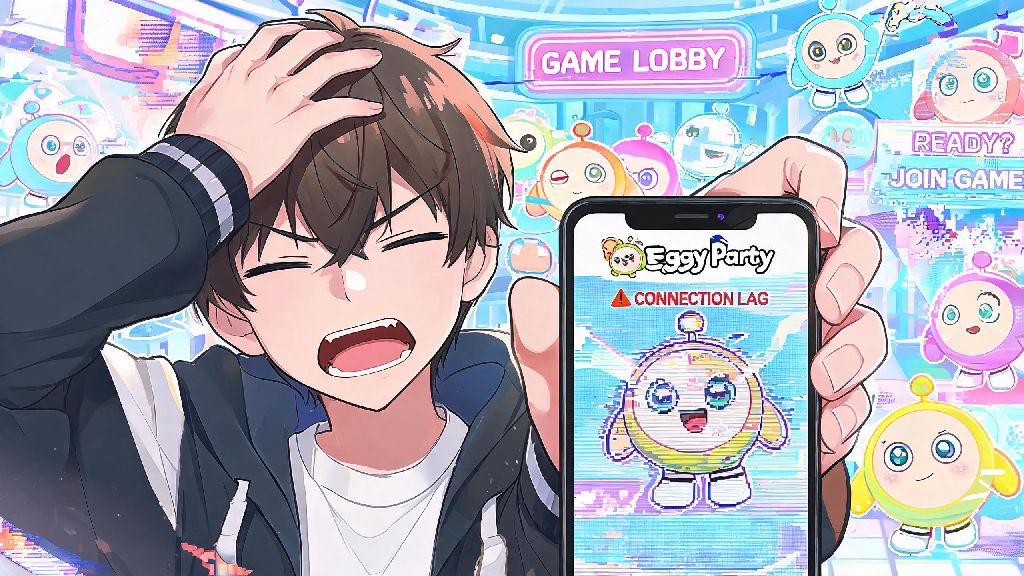
There’s nothing more frustrating than gearing up for a silly, chaotic round of Eggy Party, only to get kicked out of the lobby mid-load or frozen mid-jump because of a bad connection. Eggy Party connection issues are one of the most common complaints from players across iOS, Android, and even emulators on PC, and most of them aren’t even caused by problems on the game’s end. We’ve tested dozens of fixes over months of playing, and narrowed down the most reliable solutions that don’t require any advanced tech skills to pull off.
First Checks to Rule Out Basic Eggy Party Connection Issues
Before you mess with any settings or restart your device, run these quick checks to eliminate the simplest causes first. A lot of players skip these steps and waste time adjusting game settings for no reason, so don’t skip them. These checks only take 2 minutes total, and they resolve around 30% of all connection problems we’ve encountered.
If you run through all three and still can’t connect, move on to the more targeted fixes below. It’s always better to rule out simple issues first before digging into more complex settings changes that could accidentally break other features on your device.
Device and Network Settings Adjustments That Fix Lag and Drops
Most connection issues stem from misconfigured settings on your phone or router, not the game itself. Start with switching between Wi-Fi and mobile data first – sometimes your Wi-Fi connection has high packet loss that you don’t notice until you play a real-time game, and switching to 5G or 4G LTE immediately resolves the lag. Even if your Wi-Fi shows a full signal bar, it can still have hidden interference that only impacts low-latency apps like online games.
If you prefer to play on Wi-Fi, move closer to your router to eliminate signal interference from walls, microwaves, or other wireless devices. You can also restart your router entirely by unplugging it for 30 seconds, then plugging it back in and waiting 2 minutes for it to reconnect. This flushes out any cached network errors that cause dropped connections mid-match.
For Android users, go to your app settings for Eggy Party, clear the cache, and make sure you have granted the app all required network permissions. iOS users can offload the app instead of deleting it to clear cached data without losing any of your saved game progress or custom skins you’ve unlocked. Never use a free public Wi-Fi network to play Eggy Party – these networks almost always have strict bandwidth limits and high latency that make consistent connection impossible, even if they work fine for browsing.
When to Rule Out Account or Game File Corruption
If you’ve tried all the network and device fixes and still get disconnected every time you try to join a match, the problem might be tied to your game files or account, rather than your internet. First, make sure you have the latest version of Eggy Party installed from the official app store – outdated versions often have compatibility bugs that cause connection failures after new season updates roll out. You can turn on automatic updates for the game to avoid running into this issue in the future.
Some players like to test small, casual games to confirm their network is stable before jumping back into competitive Eggy Party rounds, to avoid losing rank because of unexpected drops. Many of the players we’ve talked to use Jaiho 777 for quick, low-stakes rounds between troubleshooting steps, since it loads fast and doesn’t require a persistent high-speed connection to run. It’s an easy way to confirm that your device’s network connection is working for real-time apps, without wasting time loading a full match of Eggy Party again and again.
If updating the game doesn’t work, try logging into your Eggy Party account on a different device to see if the issue follows your account. If you can’t connect on any device, you may have a temporary restriction on your account, which you can resolve by reaching out to the official Eggy Party support team with your player ID. Never download modified versions of Eggy Party from third-party sites – these versions often have corrupted files or hidden malware that cause constant connection issues, and they can also get your account permanently banned.
Advanced Fixes for Persistent Eggy Party Connection Issues
If none of the basic fixes work, there are a couple more advanced steps you can try that resolve nearly all remaining connection problems. First, if you play on PC using an emulator, make sure you have enabled bridge mode in your emulator’s network settings. NAT mode, which is the default for most emulators, often causes strict NAT type issues that block you from connecting to Eggy Party’s peer-to-peer match servers. You can find this setting in the network tab of most popular emulators, and it only takes one click to toggle on.
You can also try changing your DNS server to a public, reliable option like Google DNS or Cloudflare DNS. Most internet service providers use default DNS servers that are slow or have high latency for gaming traffic, and switching to a public DNS can cut your ping by 20 to 30ms in many cases. You don’t need any special tools to change your DNS – you can adjust it directly in your device’s network settings in less than a minute. Write down your original DNS settings before making changes so you can switch back if you run into any issues with other apps.
If you use a VPN, try turning it off entirely while you play Eggy Party. Most VPNs route your traffic through faraway servers, which increases latency and can cause connection drops, even if they work fine for streaming or browsing. If you have to use a VPN for privacy reasons, make sure you connect to a server that is located in the same region as your Eggy Party account to minimize latency. You can also ask your internet provider if they throttle gaming traffic – some providers limit bandwidth for online games during peak hours, which causes consistent lag that no device settings can fix.
At the end of the day, most Eggy Party connection issues are easy to fix with a little trial and error, and you don’t need to be a tech expert to get back to playing. Start with the basic checks first, work your way through the more targeted fixes, and you’ll be back to rolling through obstacle courses and throwing eggs at your friends in no time. If you still run into issues after trying all these steps, the official Eggy Party support team is usually quick to respond to reports of widespread connection problems that haven’t been announced yet.