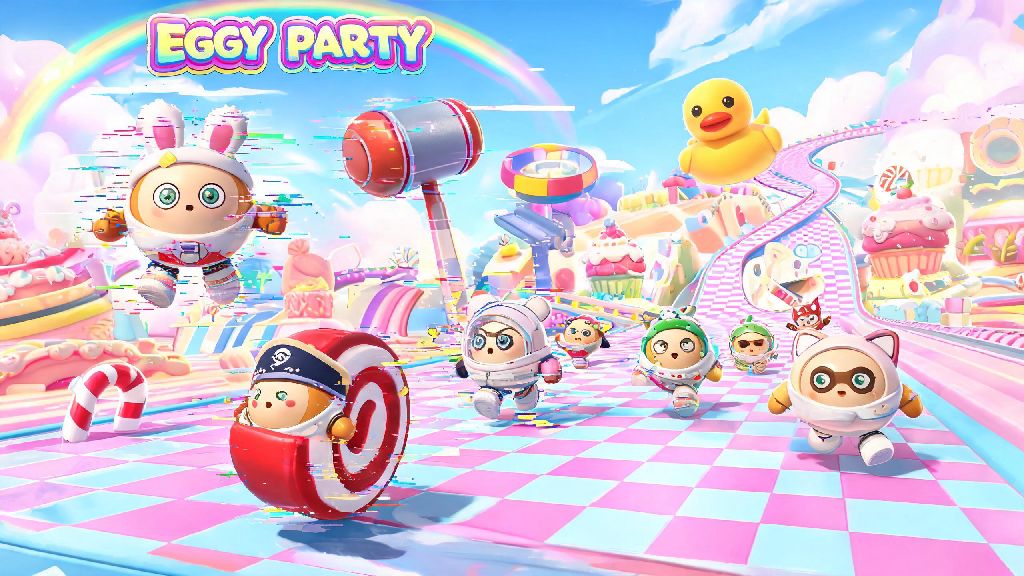
If you’ve spent any amount of time rolling through chaotic races, building wild custom maps, or messing around with friends in Eggy Party, you’ve almost certainly run into frustrating glitches that derail your fun. I’ve been playing the game daily for over a year, and I’ve lost count of how many times I was seconds away from a first-place finish only for Eggy Party bugs to kick me out of the match entirely. This guide breaks down the most common issues you’ll face, simple fixes you can try right away, and how to report persistent problems so the dev team can patch them quickly. You don’t need any fancy tech skills to follow these steps, and most fixes take less than two minutes to complete.
Most Prevalent Eggy Party Bugs and What Triggers Them
Most bugs in the game don’t pop up out of nowhere, and understanding what causes them can help you avoid them in the first place. The most common issues I’ve run into, and heard other players complain about repeatedly, include mid-match disconnections, custom maps failing to load, earned skins or rewards not showing up in your inventory, control input lag that makes it impossible to jump or move, and weird collision glitches that send your eggy flying off the map for no reason. A lot of these issues are triggered by simple things like corrupted temporary cache files on your device, an outdated version of the app, unstable internet, or overloaded game servers during peak weekend play times. In rare cases, bugs are tied to specific device or OS versions that the dev team hasn’t fully optimized the game for yet. A lot of these Eggy Party bugs are tied to temporary server issues, so you don’t need to mess with your device settings if the problem is on the devs’ end.
Quick, No-Tech Fixes You Can Try First for Any Glitch
Before you dive into more specific fixes, there are a handful of simple steps you can take that resolve 70% of common Eggy Party issues, based on my own testing. You don’t have to do all of these every time, but running through this list first will save you a lot of time troubleshooting. Never download third-party “bug fix” tools from untrusted sites, even if other players claim they work – these almost always contain malware or will try to steal your Eggy Party account credentials.
I once spent 20 minutes trying to fix a control lag bug before realizing I just hadn’t updated the app in three weeks. After installing the latest update, the lag was gone entirely, and I didn’t have to mess with any other settings. If none of these quick fixes work, you can move on to targeted solutions for the specific bug you’re facing.
Targeted Fixes for Persistent Gameplay Glitches
If the quick fixes didn’t resolve your issue, you can use these tailored solutions for the most common persistent bugs. For mid-match disconnections that happen even when your internet is stable, try turning off any VPN, ad blocker, or custom DNS service you’re using, as these can interfere with the game’s connection to its servers. For custom maps that get stuck on the loading screen, make sure you have at least 2GB of free storage space on your device, as larger custom maps can take up a lot of temporary space while loading. Always take a screenshot of your challenge progress or match result before closing the game if you suspect a bug, as this will make support requests way faster to process if you need to submit one. If you earned a reward, like a skin or seasonal currency, that isn’t showing up in your inventory, wait 24 hours first – a lot of these issues are just server delays that resolve on their own. If it’s still missing after that, you can reach out to support. Don’t try to exploit bugs that give you unfair advantages, like infinite jump glitches or map clipping glitches, because the dev team actively bans players who use these to cheat in ranked matches. Even if you don’t get banned immediately, other players can report you, and you’ll lose all your progress if your account is suspended. Most Eggy Party bugs that are reported with clear details get patched in the next weekly update, so you won’t have to deal with them for long if you flag them properly.
How to Report Eggy Party Bugs to the Dev Team Properly
If you’ve tried all the fixes above and the bug still keeps happening, reporting it to the dev team is the best way to get it resolved for you and every other player. The dev team is surprisingly responsive to player reports, and widespread bugs are usually patched within a few days of being reported by enough users. Be as specific as possible when describing the bug – saying “my game crashes every time I load the winter mountain themed custom map on my iPhone 14” is way more helpful than just saying “my game keeps crashing.” You can submit a bug report directly through the in-game support menu, which you can find by tapping the settings icon on the main screen then selecting “support.” Check the official Eggy Party social media pages first before submitting a report, to see if the bug is a known server-side issue that the dev team is already working on. If it is, you don’t need to submit a report, and you can just wait for the official fix to go live. When you do submit a report, include your device model, OS version, Eggy Party app version, exact steps to reproduce the bug, and any screenshots or screen recordings you have of the issue happening. This info cuts down the time the dev team needs to identify and fix the bug drastically.
At the end of the day, Eggy Party is a fast-paced, frequently updated game, so small bugs are going to pop up from time to time. The good news is that almost all Eggy Party bugs are easy to fix with the simple steps we’ve covered in this guide, and you won’t have to spend hours troubleshooting to get back to playing. I still run into the odd disconnection bug during peak Saturday evening play times, but a quick app restart works 9 times out of 10 for me. If you follow these tips, you’ll spend less time dealing with glitches and more time rolling to victory with your friends.